All twelve screens of the Vorby iOS onboarding flow.
Every onboarding flow is a small argument. Vorby's argues that home inventory works best when the user has already built something worth saving before the sign-up wall: a name, a list of rooms, a rough sense of what they own, a signed promise to themselves. These twelve screens capture that argument, in order, as it appears on an iPhone 17 Pro running the production build.
The design language is editorial — Fraunces serif headlines, JetBrains Mono micro-labels, hairline rules, warm near-black paper — and it stays in dark mode throughout. Loss aversion is the through-line: the sign-up screen names, concretely, what stays only on this device if the user leaves without linking.
All twelve were captured on July 13, 2026, from a fresh anonymous install against the production environment, with one user answering the questions honestly and skipping the photo capture.


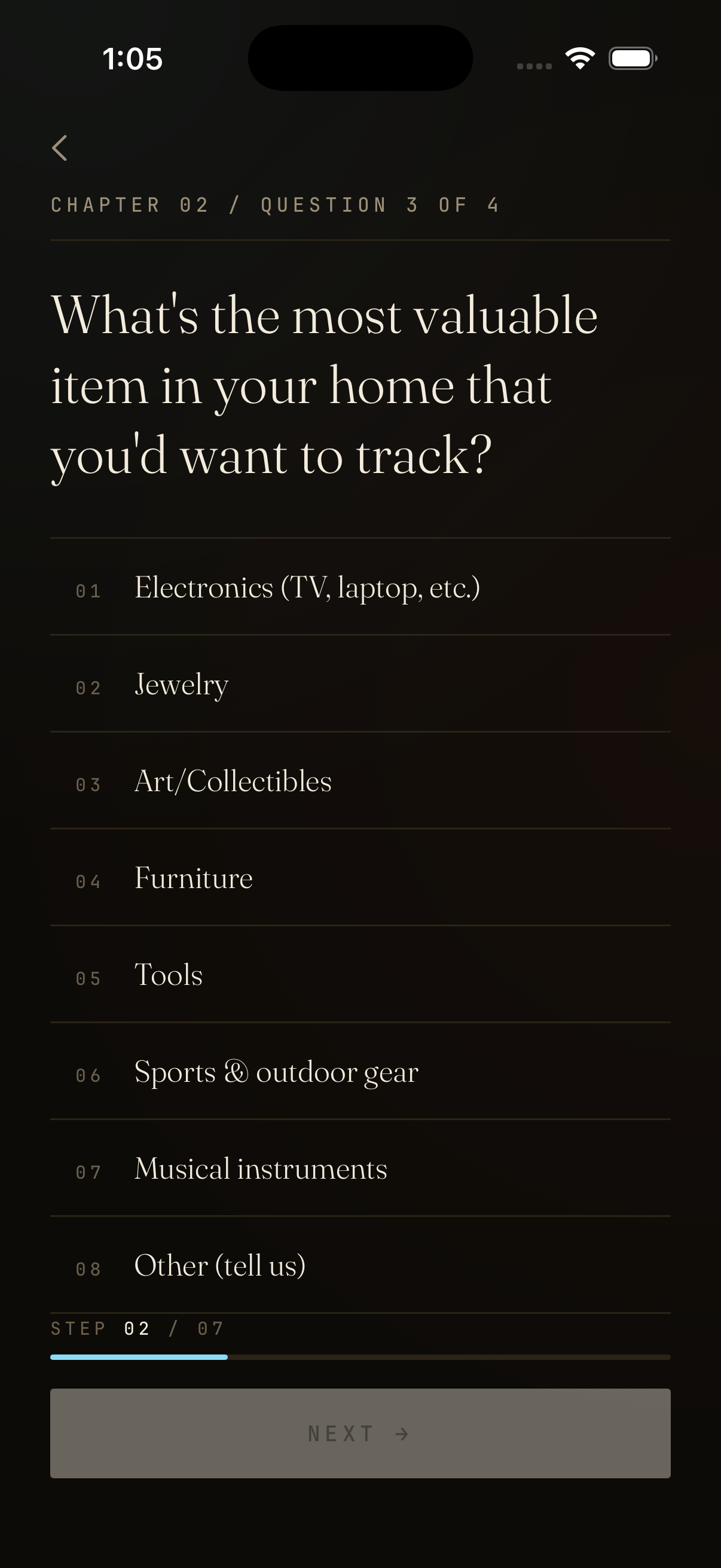


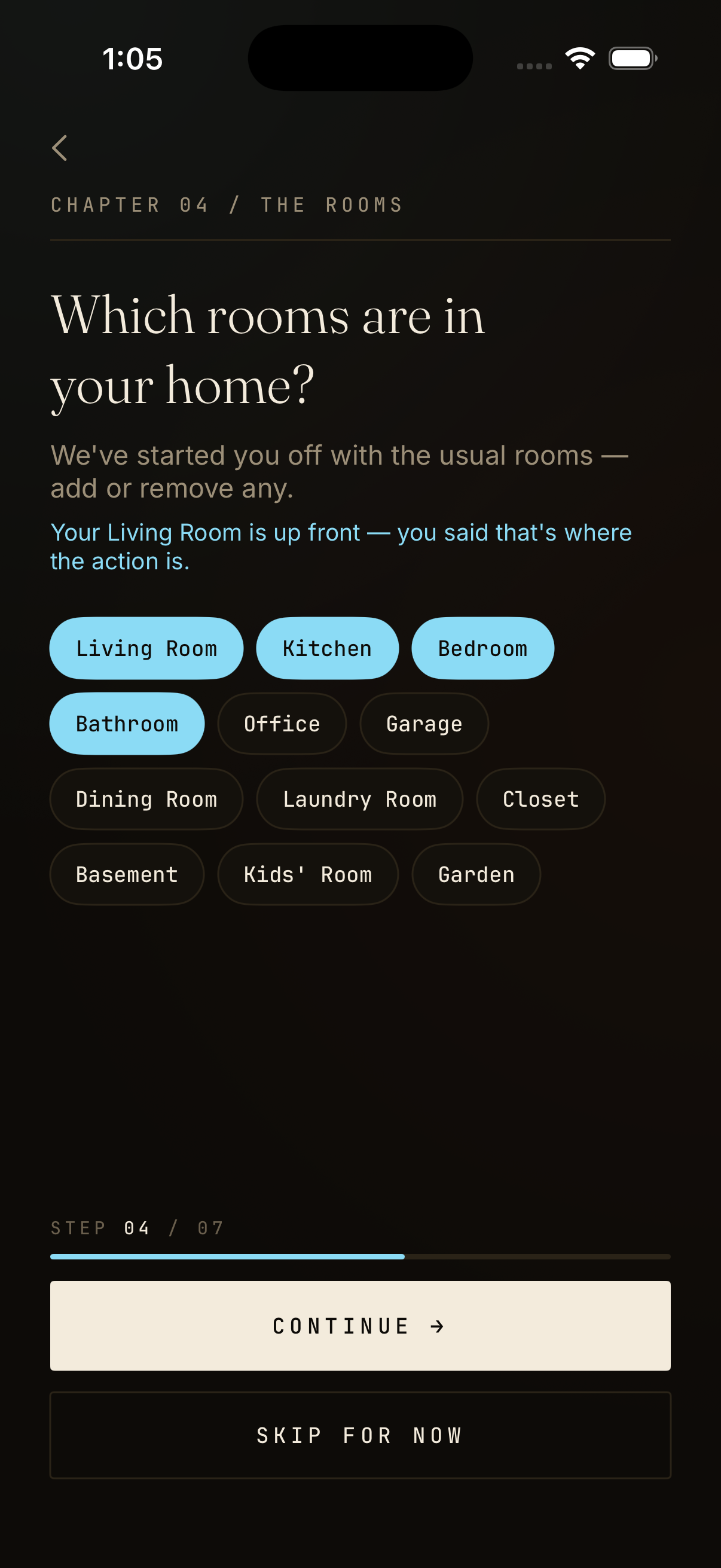
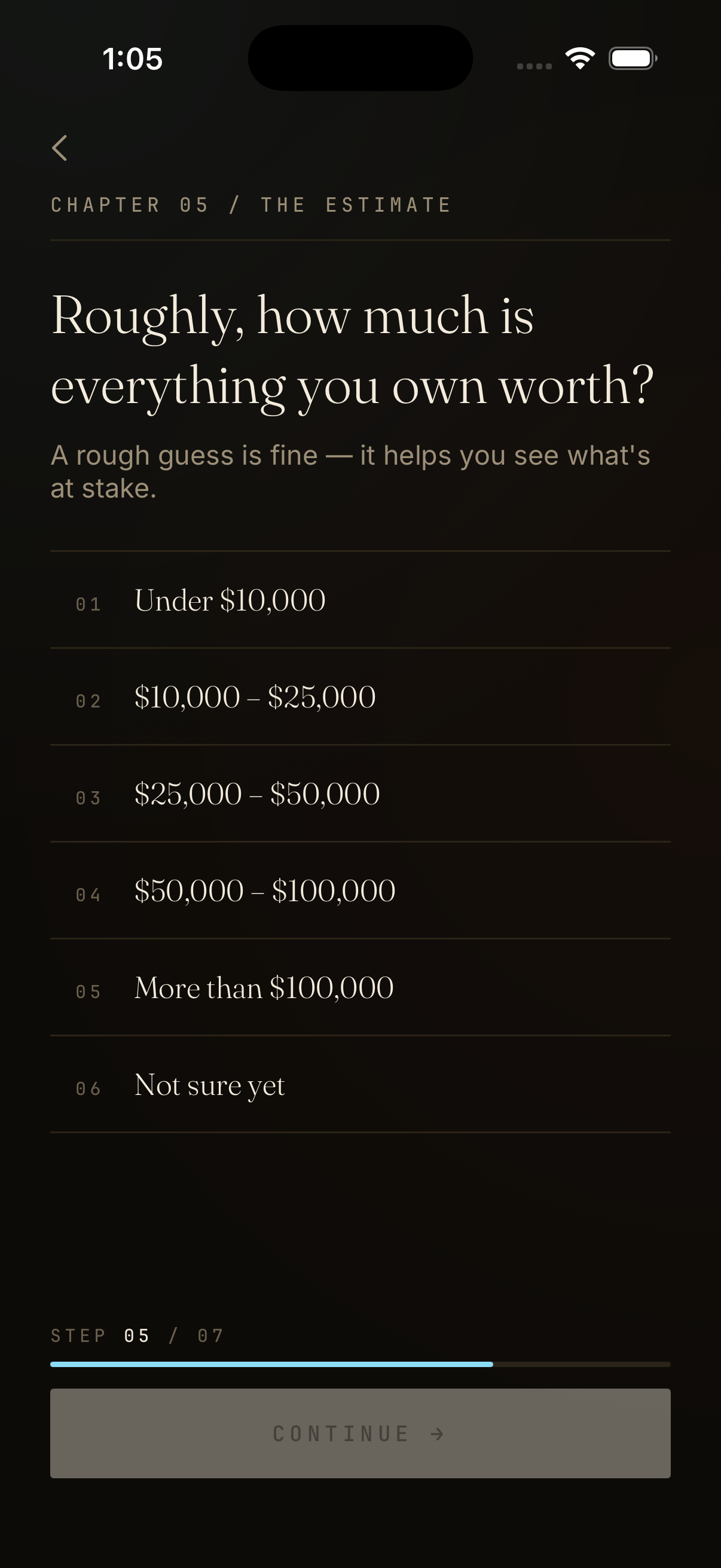


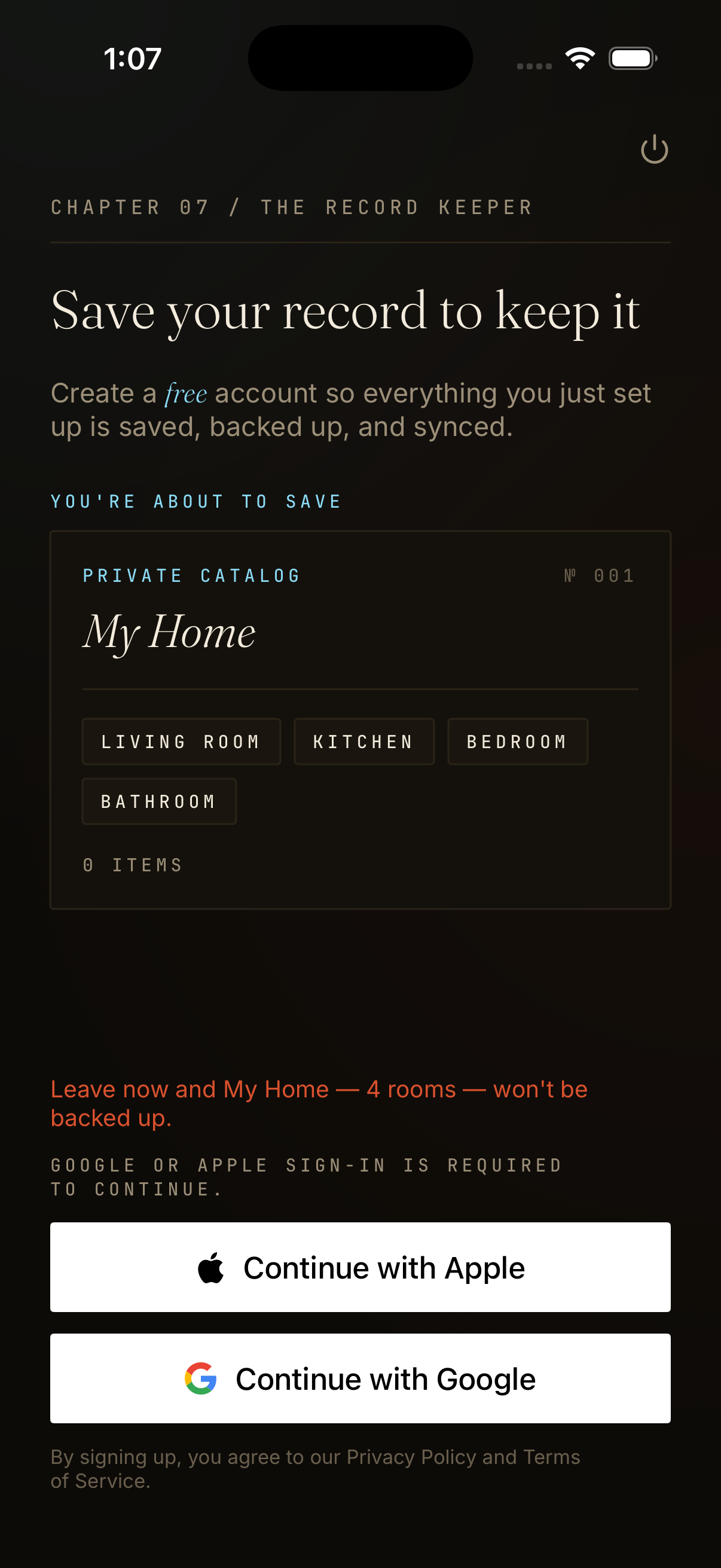
The full-resolution files, including a Drive folder copy of every plate, live in the public Vorby brand folder: vorby.com/ios-onboarding/screens. Use them for press kits, App Store screenshots, partner decks, anywhere the editorial voice needs to be conveyed without a live install.
Other reference pieces on adjacent matters of cataloging the home.
Learn how to use your home inventory to file an insurance claim. Step-by-step guide to documenting belongings, storing records, and working …

Compare Vorby and Sortly home inventory apps. See how they stack up on setup, insurance claims, roommate sharing, search, and pricing.

Compare roommate finder apps by fees, screening, and city coverage. Then photo the apartment furniture and valuables so deposits and damage …
Vorby is the catalog. Reference entries are the marginalia.