Tired of shoeboxes overflowing with crumpled receipts? Finding the right receipt scanner app can transform that paper clutter into organized, searchable digital records. Whether you're a freelancer tracking business expenses, a homeowner managing warranties, or a family keeping an eye on the household budget, the perfect tool is out there. This guide is designed to help you find it without the guesswork. We've gone beyond the app store descriptions to provide a comprehensive look at the best receipt scanning apps available today.
This resource list cuts straight to the chase. We provide detailed reviews of each application, complete with pros, cons, and honest assessments of their limitations. You'll find practical insights into their real-world performance, focusing on crucial features like Optical Character Recognition (OCR) quality. These apps rely on advanced capabilities to scan text from image with high accuracy, converting your physical receipts into digital data, so we've put that to the test.
Each entry includes a clear "Best For" recommendation, helping you match an app to your specific needs, whether that’s complex bookkeeping, simple personal expense tracking, or detailed home inventory management. We also examine critical factors like pricing structures, privacy policies, and integration capabilities with other software you might already use. With screenshots and direct links provided for every option, you'll have everything you need to make an informed decision and finally conquer that pile of paper.
1. Vorby
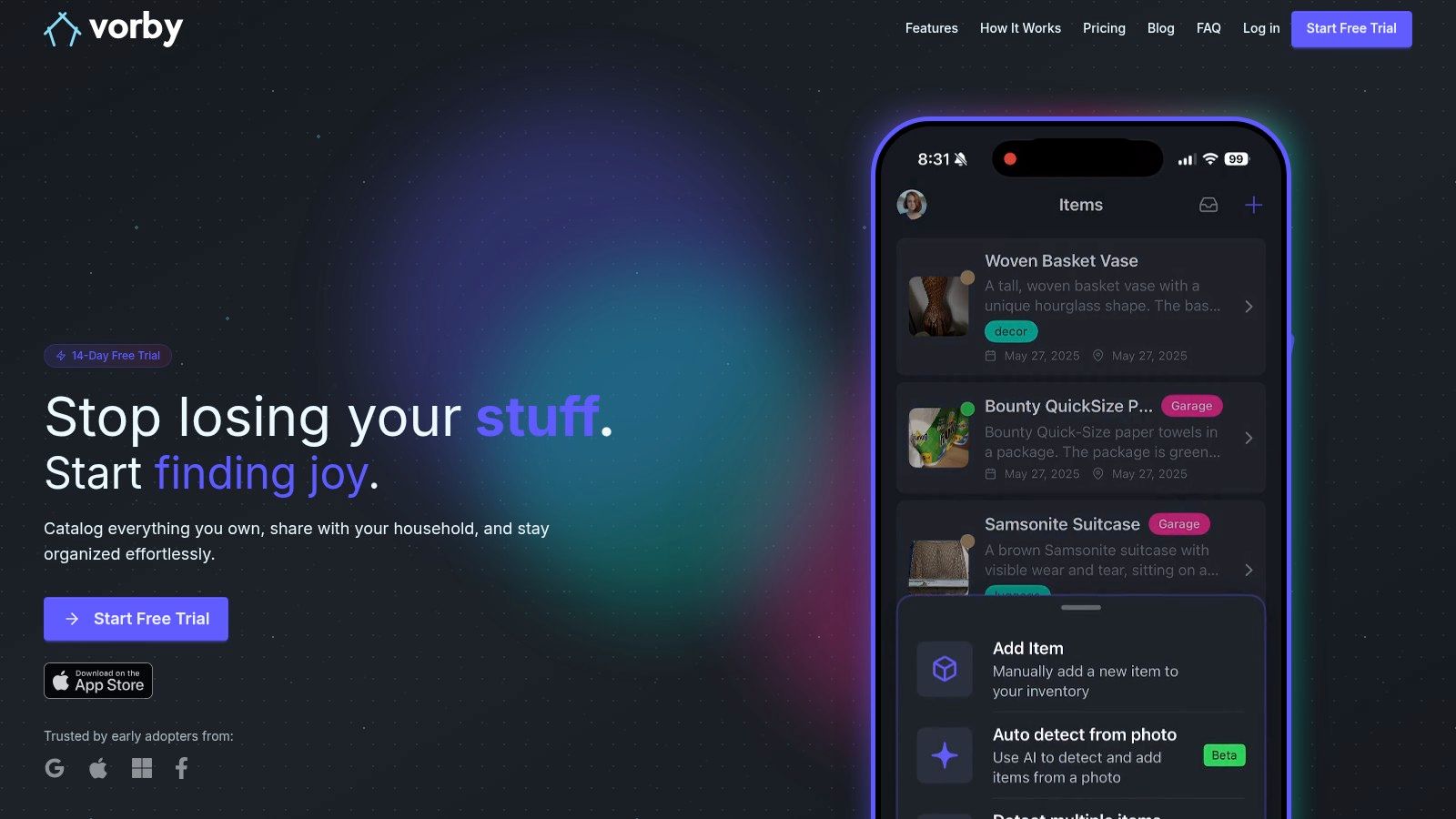
Vorby carves out a unique and powerful niche in the world of receipt scanning by focusing on a much bigger picture: complete home inventory management. While many apps simply digitize receipts for expense tracking, Vorby uses them as a cornerstone for building a searchable, intelligent catalog of everything you own. It transforms receipts from simple proof-of-purchase documents into data-rich entries for your personal belongings, automatically adding items to your inventory and attaching crucial details like purchase dates and warranty information.
This platform is a standout choice because it addresses the "what happens next" question after a purchase. Instead of just logging an expense, Vorby’s AI-powered system allows you to instantly know what you own, what it’s worth, and precisely where it is. This makes it one of the best receipt scanning apps for users who want to organize their physical world, not just their finances.
Why Vorby Excels as a Receipt Management Hub
Vorby’s core strength lies in its multi-faceted approach to cataloging. You can forward email receipts for automatic parsing, snap photos of items for AI-driven identification, or scan QR codes you’ve placed on boxes. The system then centralizes this information, making every item searchable with natural language. You can ask, “Where are the noise-canceling headphones I bought last year?” and Vorby will show you the exact room, box, or shelf where you stored them.
This creates powerful, real-world use cases. For families, it’s a shared system for tracking electronics, tools, and kids' gear. For movers, it’s an indispensable tool for knowing what’s in every box. For collectors, it's a detailed log of every item, complete with purchase history and manuals. The platform is also an excellent resource for anyone interested in better home organization. You can find tips for organizing important documents on Vorby's blog and apply those principles within the app itself.
- Best For: Homeowners, renters, frequent movers, and collectors who need a comprehensive home inventory system, not just an expense tracker.
- Pricing: Free 14-day trial. Paid plans start at $7/month or an annual plan at $5/month ($60 billed annually), which includes unlimited items, users, and AI features.
- Platform: Available on iPhone and a full-featured web app.
| Pros | Cons |
|---|---|
| Precise Natural-Language Search: Finds items based on specific locations like rooms, boxes, or shelves. | Limited Mobile Availability: No native Android app is currently offered, only iPhone and web access. |
| Automated Multi-Source Capture: Uses AI image recognition and email receipt parsing to reduce manual entry. | Potential for Manual Correction: Specialized items or non-standard receipt formats may require adjustments. |
| Unlimited Household Sharing: A single subscription covers unlimited users with permission controls. | |
| Built-in Warranty & Manual Tracking: Stores documents and sends automated warranty expiration reminders. |
2. Apple App Store
For iPhone and iPad users, the search for the best receipt scanning apps begins and ends on the Apple App Store. It serves as the primary, trusted marketplace for discovering, comparing, and downloading a vast array of iOS-compatible tools. Unlike a direct software developer, the App Store is a centralized hub where you can find everything from industry giants like Adobe Scan and Expensify to niche solutions like Smart Receipts, all in one place.
The platform’s strength lies in its curation and transparency. Each app’s product page is a treasure trove of information, providing user ratings, detailed reviews, update histories, and crucial compatibility details. This structure allows for an effective side-by-side comparison before you commit to a download. One of the most useful features is the clear breakdown of in-app purchases and subscription tiers, giving you a transparent look at potential costs upfront.
How to Use the App Store Effectively
Finding the right app among thousands requires a strategy. Start with broad search terms like "receipt scanner" and then refine your search with keywords related to your specific needs, such as "expense report" or "bookkeeping integration". Pay close attention to the "What's New" section for recent updates and the developer's responses to user reviews; this often indicates the level of support you can expect. Apple's robust privacy labels, known as "nutrition labels," are another key advantage, offering a clear summary of how an app handles your personal data.
- Pros: Trusted distribution with strict privacy and security standards; clear listing of subscription tiers and in-app purchase costs on most app pages.
- Cons: Some developers list multiple, confusing in-app purchase price points, which can make it hard to determine the true cost.
Website: https://apps.apple.com
3. Google Play Store
For the millions of Android users, the Google Play Store is the definitive starting point for finding the best receipt scanning apps. It functions as the official, secure marketplace for the Android ecosystem, offering a massive catalog of tools designed for every need. Much like its Apple counterpart, the Play Store is a centralized hub where you can find and compare established apps like Adobe Scan and Expensify alongside innovative newcomers, all optimized for Android devices.
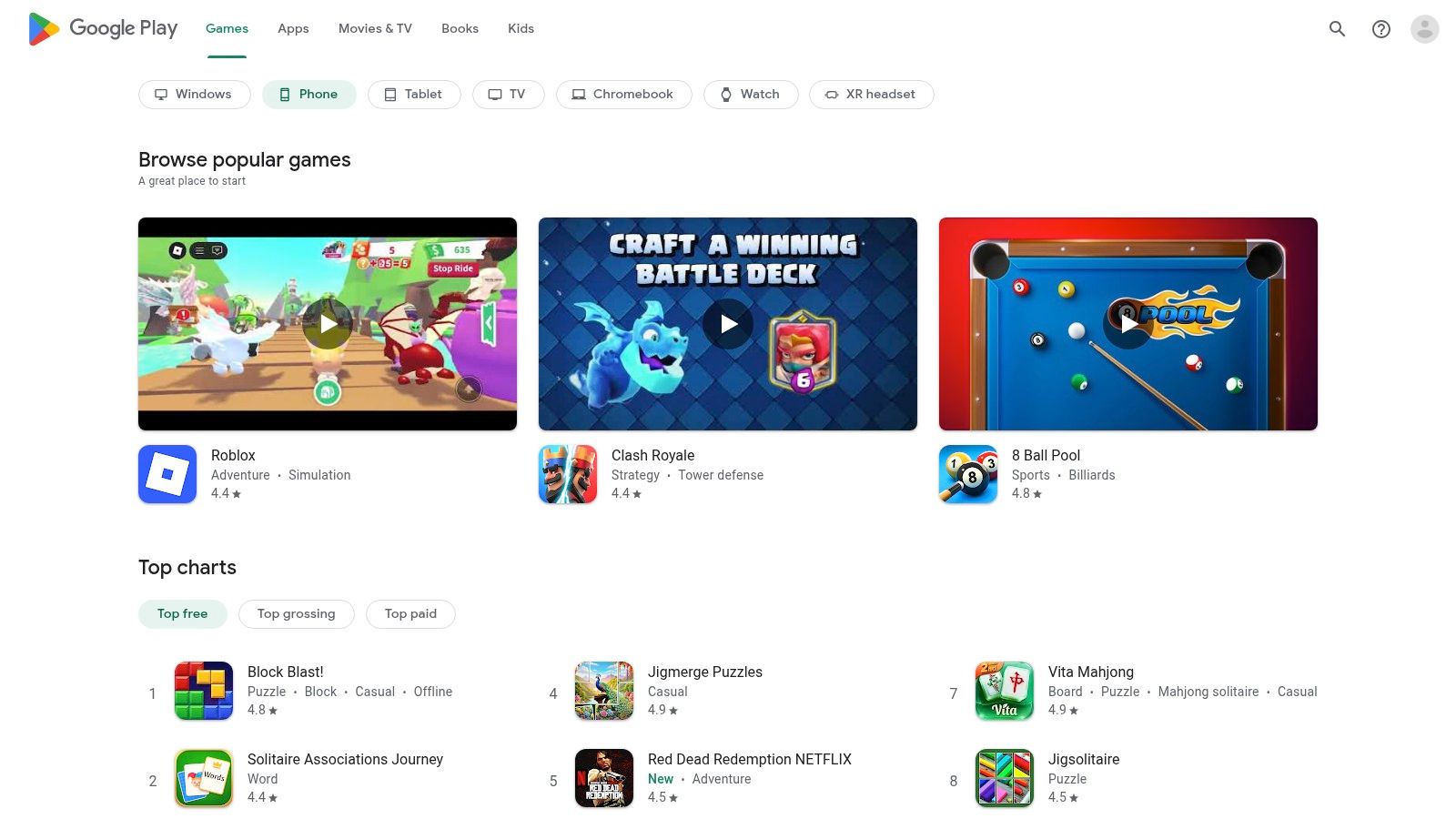
The platform’s key advantage is its sheer volume and the data it provides to help users make informed decisions. Each application page features download counts, user ratings, and detailed reviews that often specify which Android devices and OS versions they were tested on. This community feedback is invaluable for assessing an app’s real-world performance and reliability across a fragmented hardware landscape. Additionally, Google's "Data safety" section gives users a clear overview of how their data is collected and used, promoting transparency.
How to Use the Play Store Effectively
To find the perfect receipt scanner, begin with a general search for "receipt scanning apps" and then narrow it down with specific keywords like "mileage tracker" or "QuickBooks integration." Pay close attention to the "Last updated" date to ensure the app is actively maintained by its developer. Reading reviews, especially recent ones, can reveal potential bugs or compatibility issues with new Android versions. The Play Store’s device compatibility checker is another essential tool, confirming whether an app will work on your specific phone or tablet before you install it.
- Pros: Wide selection with frequent developer updates to support new Android features; reviews often surface reliability issues across various Android devices.
- Cons: Listings don’t always show exact subscription pricing upfront for every app, sometimes requiring you to install it to see the costs.
Website: https://play.google.com
4. Expensify
Expensify is a powerhouse in the expense management world, making it one of the best receipt scanning apps for both individuals and businesses. Its core strength is the patented SmartScan technology, which uses AI to automatically extract merchant, date, and amount details from any receipt. The platform goes beyond simple scanning, offering a complete ecosystem for creating and submitting expense reports, tracking mileage, and even handling reimbursements directly.
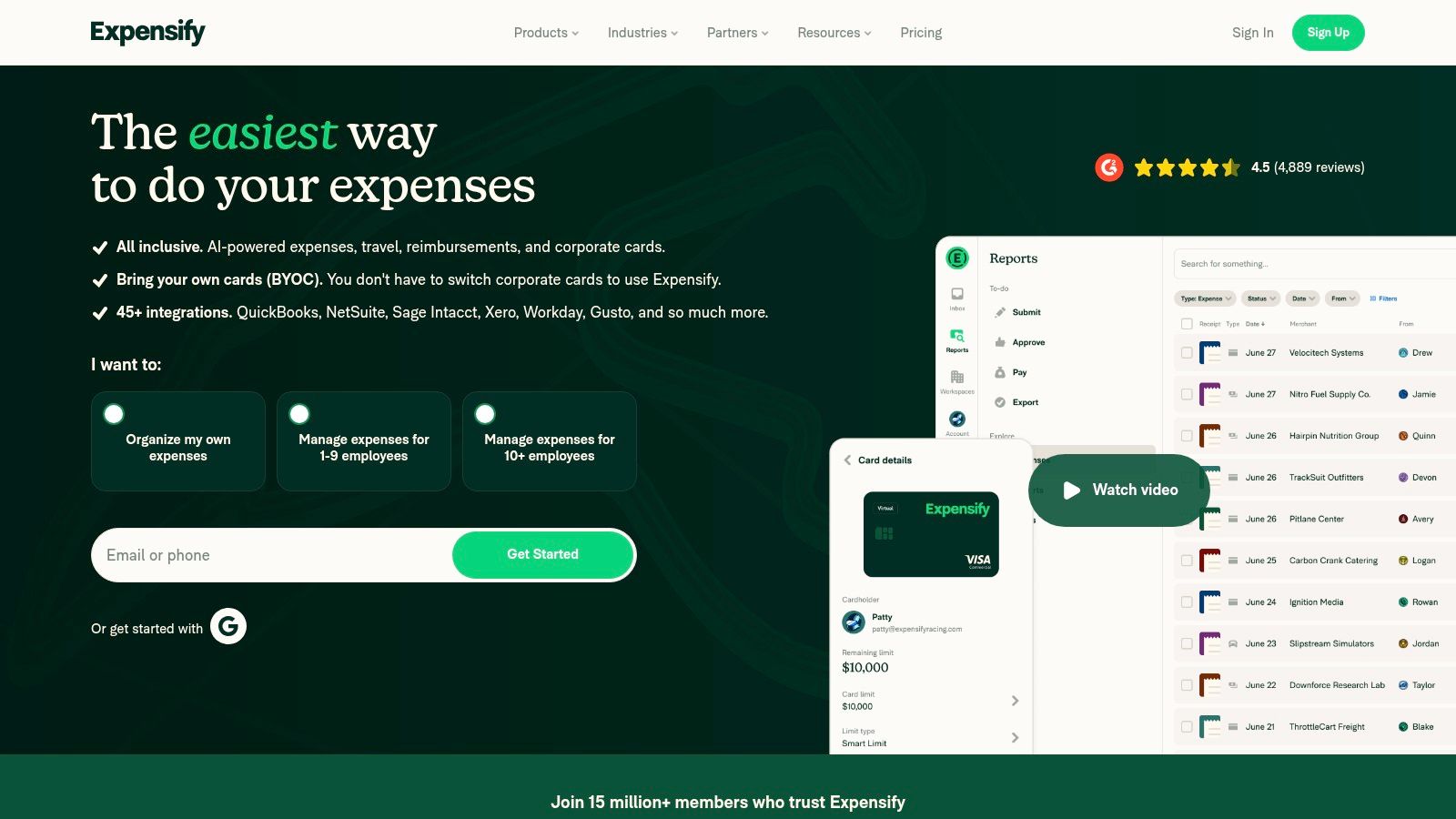
What sets Expensify apart is its focus on workflow automation. For individuals, its free plan offers unlimited SmartScans, which is a generous offering. For businesses, the platform shines by automating the entire expense reporting process, from receipt capture to approval and integration with accounting software like QuickBooks and Xero. This seamless integration makes it a go-to choice for teams needing to streamline financial operations.
How to Use Expensify Effectively
To get the most out of Expensify, connect your credit or debit cards to automatically import transactions. When a receipt is scanned, SmartScan will attempt to merge it with the corresponding card expense, saving you manual reconciliation time. You can also forward email receipts or even text a photo of a receipt to the platform for processing. For business users, setting up approval workflows and expense policies from the start ensures that all reports are compliant before they ever reach the accounting department.
- Pros: Fast and accurate capture with automatic matching to card transactions; cross-platform apps with an offline queueing feature for scans.
- Cons: Many essential business features require paid workspaces; some users have reported frustrations with customer support in online forums.
Website: https://use.expensify.com
5. Shoeboxed
Shoeboxed offers a unique hybrid approach that positions it as one of the best receipt scanning apps for those overwhelmed by paper clutter. It combines a standard mobile scanning app with a standout mail-in service, allowing users to physically send in their paper receipts, business cards, and other documents for professional digitization. This service is ideal for tackling years of accumulated paperwork or for busy professionals who prefer to outsource the scanning process entirely.
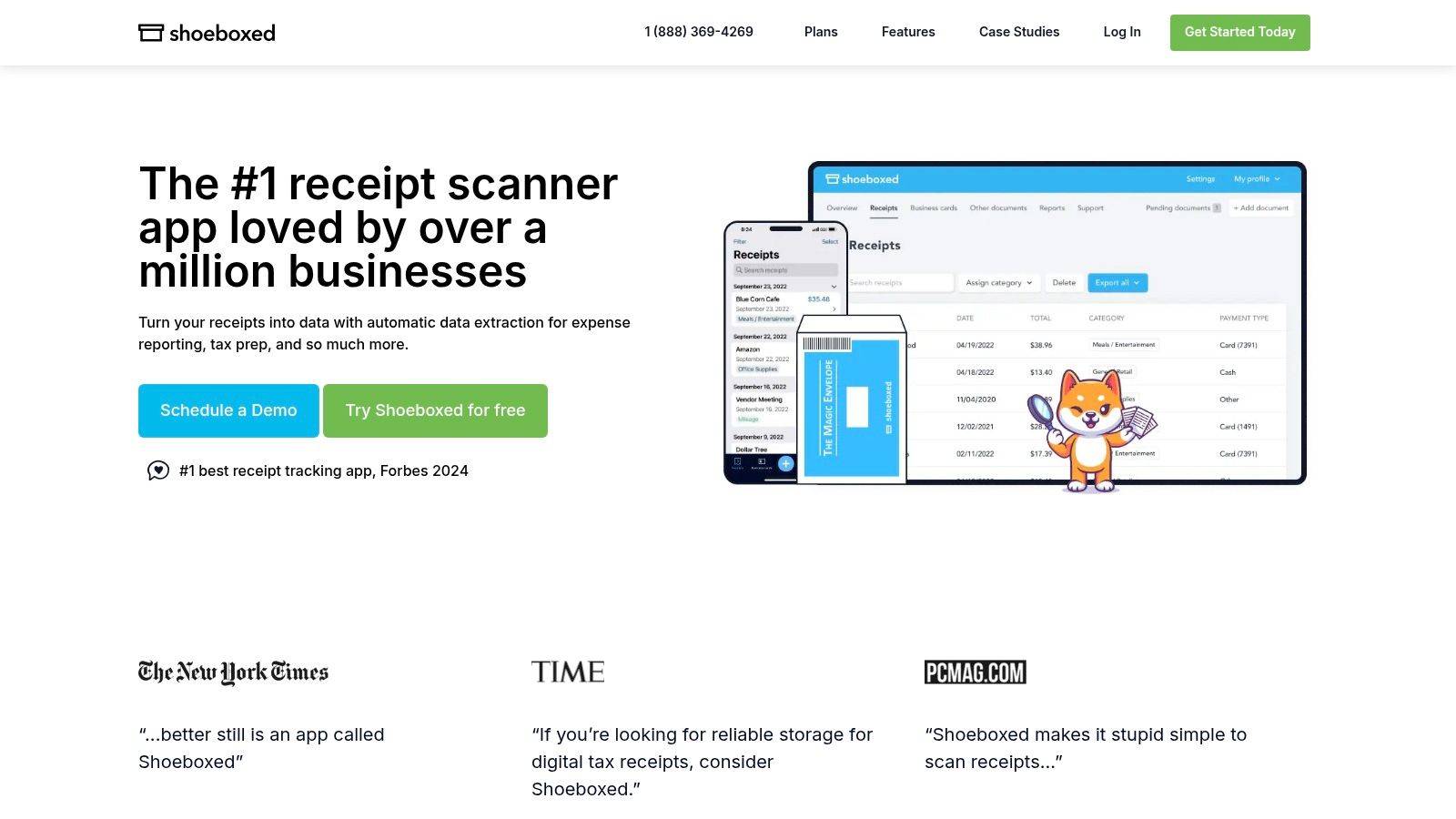
The platform’s core strength is its human-verified data extraction. After your documents are scanned, a team of real people verifies the OCR results, ensuring a high degree of accuracy for key details like vendor, date, and total amount. This process produces IRS-accepted digital images, making it a reliable solution for tax preparation and audits. In addition to its mail-in feature, Shoeboxed also supports Gmail auto-import, expense reporting, and mileage tracking.
How to Use Shoeboxed Effectively
To get the most out of Shoeboxed, decide on your primary workflow. If you have a large backlog of paper receipts, the mail-in "Magic Envelope" service is your best starting point; just fill it up and send it in. For day-to-day use, leverage the mobile app for on-the-go scanning and connect your Gmail account to automatically pull in e-receipts. Be mindful of your plan’s document limits, as both physical and digital submissions count toward your monthly quota. Integrating with accounting software like QuickBooks Online can further streamline your bookkeeping.
- Pros: Unique mail-in service saves significant time for large paper backlogs; human-verified data ensures high accuracy.
- Cons: The mail-in service is only available on paid plans after the trial, and plans have physical document quotas.
Website: https://www.shoeboxed.com
6. QuickBooks Online (Intuit)
For businesses already committed to Intuit's ecosystem, QuickBooks Online (QBO) offers one of the most integrated solutions for receipt management. Rather than being a standalone app, its receipt scanning feature is built directly into its powerful accounting suite. This native integration is its greatest strength, as it eliminates the need for third-party tools and ensures that every scanned receipt is seamlessly tied to your financial records. Users can capture receipts using the mobile app’s “Receipt Snap” feature or forward them directly to a unique QBO email address.
Once a receipt is uploaded, QuickBooks automatically extracts key data like the vendor, date, and amount, then attempts to match it with existing bank feed transactions. This auto-categorization significantly speeds up bookkeeping and reconciliation, turning a simple photo into a verified entry in your general ledger. The platform serves as a centralized audit trail, storing digital copies of receipts alongside the corresponding transactions, making tax time and financial reviews far less stressful.
How to Use QuickBooks Online Effectively
To maximize efficiency, connect your business bank and credit card accounts to QBO’s bank feeds. This allows the system to automatically suggest matches between your uploaded receipts and your real-time transactions. Take advantage of the email-forwarding feature for digital invoices from vendors; it's a simple way to digitize records without manual effort. You can learn more about how email integration simplifies expense tracking. Regularly review the "For review" tab in the Receipts section to approve matches and correct any categorization errors, which helps the system learn and become more accurate over time.
- Pros: Native receipt capture means no extra app is needed; simplifies bookkeeping and provides strong audit support.
- Cons: Requires an active QuickBooks Online subscription, and monthly prices for the service have seen notable increases.
Website: https://quickbooks.intuit.com
7. Zoho Expense
Zoho Expense moves beyond basic receipt capture to offer a comprehensive expense management platform ideal for small to medium-sized businesses. Its core strength lies in its "Autoscan" feature, which automatically extracts data from receipts to create expense entries. This tool is part of a larger ecosystem designed to streamline approvals, enforce spending policies, and integrate seamlessly with accounting software, making it one of the most robust receipt scanning apps for business use.
The platform is built for teams, featuring multi-level approval workflows, mileage tracking, and real-time corporate card feeds to automate reconciliation. Its primary advantage is its deep integration with the wider Zoho suite (like Zoho Books and Zoho CRM) and various third-party applications. This creates a connected financial environment where data flows smoothly from a scanned receipt all the way to the final accounting ledger, eliminating manual data entry and reducing errors.
How to Use Zoho Expense Effectively
To get the most out of Zoho Expense, leverage its multiple receipt capture methods. You can upload receipts directly, forward them from your email inbox, or use the browser clipper for online purchases. Configure your company's spending policies and approval hierarchies first to automate compliance checks from the moment an expense is submitted. It is also wise to connect your corporate credit cards to pull transactions automatically, which the system can then match with scanned receipts, simplifying reconciliation for your finance team.
- Pros: Cost-effective per-user pricing with flexible "active user" licensing options; extensive integrations across the entire Zoho ecosystem and popular third-party tools.
- Cons: Autoscan quotas and credit packs vary significantly by subscription tier; you must review the specific allowance details carefully before purchasing.
Website: https://www.zoho.com/expense
8. SAP Concur (ExpenseIt)
For large organizations and enterprises, SAP Concur is the definitive platform for managing corporate travel and expenses. Its integrated receipt scanning feature, ExpenseIt, is not just a standalone tool but a crucial component of a comprehensive financial governance system. It’s designed less for individual use and more for companies that require strict policy enforcement, complex approval workflows, and deep analytics across thousands of employees.
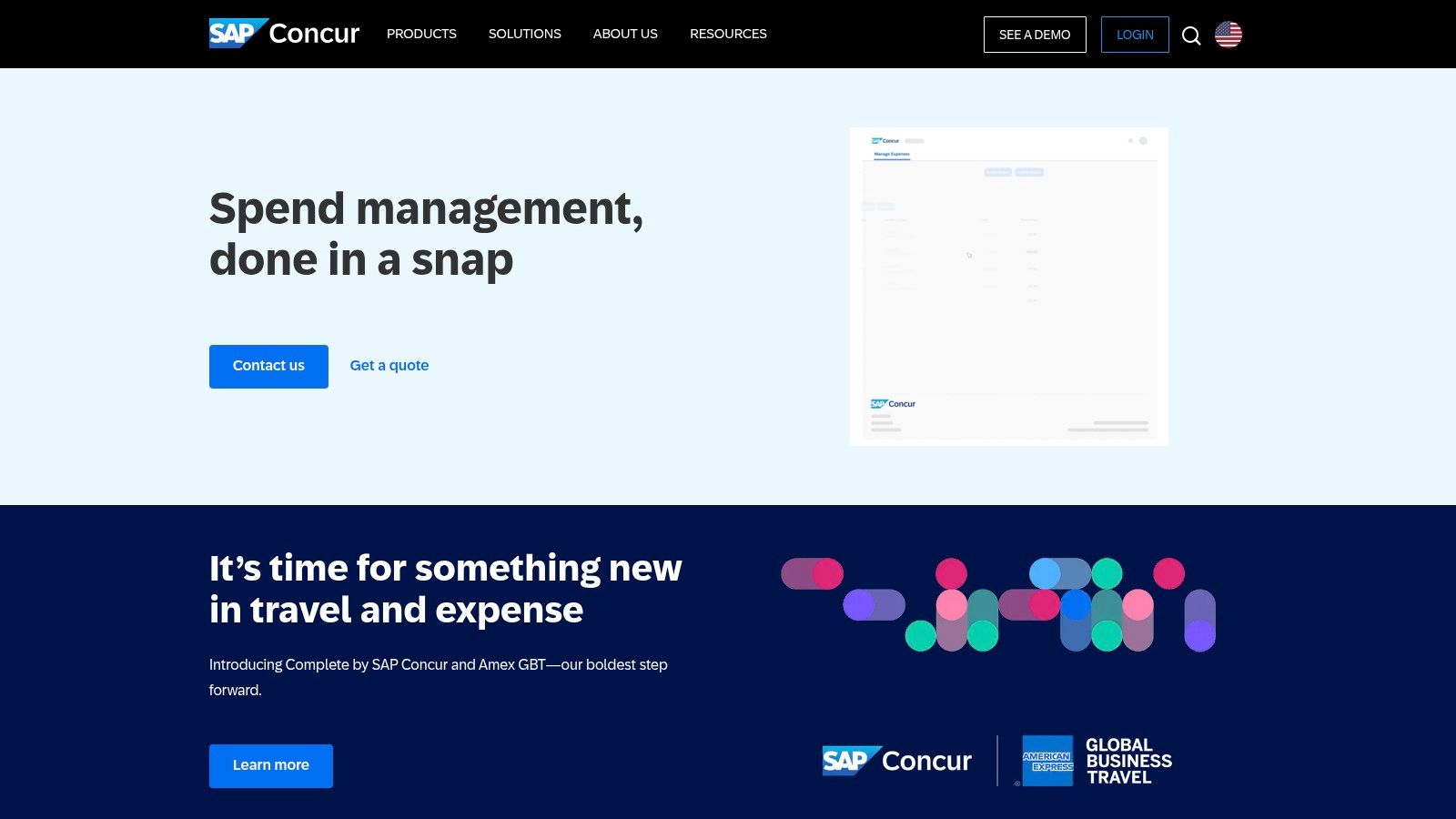
The platform's power lies in its deep integration and automation. When an employee snaps a photo of a receipt, ExpenseIt uses OCR to automatically create an itemized expense line, categorizes it, and matches it to a corporate card transaction. This process happens within a framework of preset company policies, flagging out-of-policy spending instantly and streamlining the entire submission and approval process. This level of control and scalability makes it one of the best receipt scanning apps for corporate compliance.
How to Use SAP Concur Effectively
Effective use of SAP Concur starts at the organizational level, as individual access is typically granted through a corporate account. Employees should leverage the app’s ability to work offline, capturing receipts as they are received to prevent backlogs. The key is to let the system do the heavy lifting: allow it to match receipts to card charges automatically and address any flagged exceptions promptly. Administrators should focus on configuring clear, logical audit rules and approval chains to maximize efficiency and ensure compliance across the board.
- Pros: Robust governance and compliance tools; scales for large, distributed teams and integrates with enterprise systems.
- Cons: Pricing is quote-based and generally overkill for individuals or small businesses; mobile app access typically requires a licensed Concur subscription.
Website: https://www.concur.com
9. Smart Receipts
Smart Receipts is a streamlined, no-frills tool designed for freelancers, small business owners, and individuals who need a straightforward way to track expenses for tax purposes. It excels by focusing on core functionality: capturing receipt data efficiently and generating customizable reports. The app prioritizes speed and simplicity, making it one of the best receipt scanning apps for users who find comprehensive accounting platforms overly complex. It extracts key details like merchant, date, total, and tax, then allows for quick categorization.
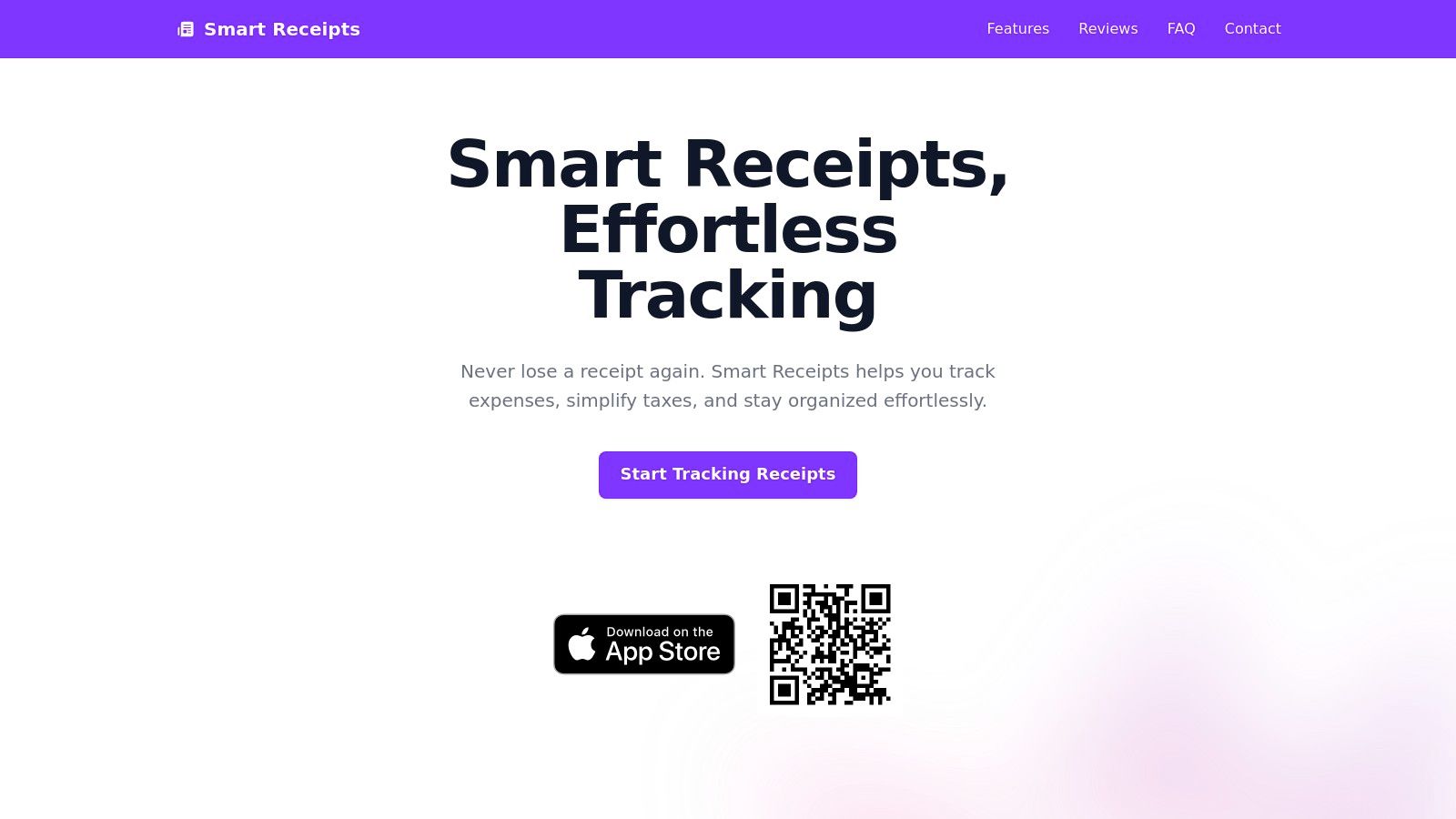
The app's main appeal is its privacy-conscious, self-contained nature. Unlike many competitors that push users toward integrated cloud services, Smart Receipts can operate entirely on your device, offering local backups. For those needing more, it provides optional cloud sync capabilities. The report generation is highly flexible, letting you create PDF, CSV, and ZIP files tailored with custom columns and filtering options, which is invaluable when preparing for tax season or submitting expense claims.
How to Use Smart Receipts Effectively
To get the most out of Smart Receipts, establish a clear folder and tag system from the start. Create categories that align with your expense reporting needs, such as "Travel," "Office Supplies," or specific project names. The app's predictive tagging will learn your habits over time, speeding up the process. Take advantage of the mileage tracker for business-related travel, as it integrates directly into your expense reports. When generating reports, customize the output to match the exact requirements of your accountant or employer to save time on manual formatting later.
- Pros: Lightweight and privacy-conscious utility; affordable one-time or subscription options depending on the edition.
- Cons: Not a full accounting suite, so it has limited integrations; pricing varies by app edition and must be confirmed in-app.
Website: https://smart-receipts.com
10. Genius Scan (The Grizzly Labs)
Genius Scan, developed by The Grizzly Labs, is a powerful and highly-regarded mobile scanner that excels at more than just receipts. It's positioned as a versatile document scanner first, with robust features that make it one of the best receipt scanning apps for individuals and small teams who need high-quality digital copies. Its core strength is its image processing, which automatically corrects perspective distortion, removes shadows, and enhances legibility to produce crisp, clean scans every time.
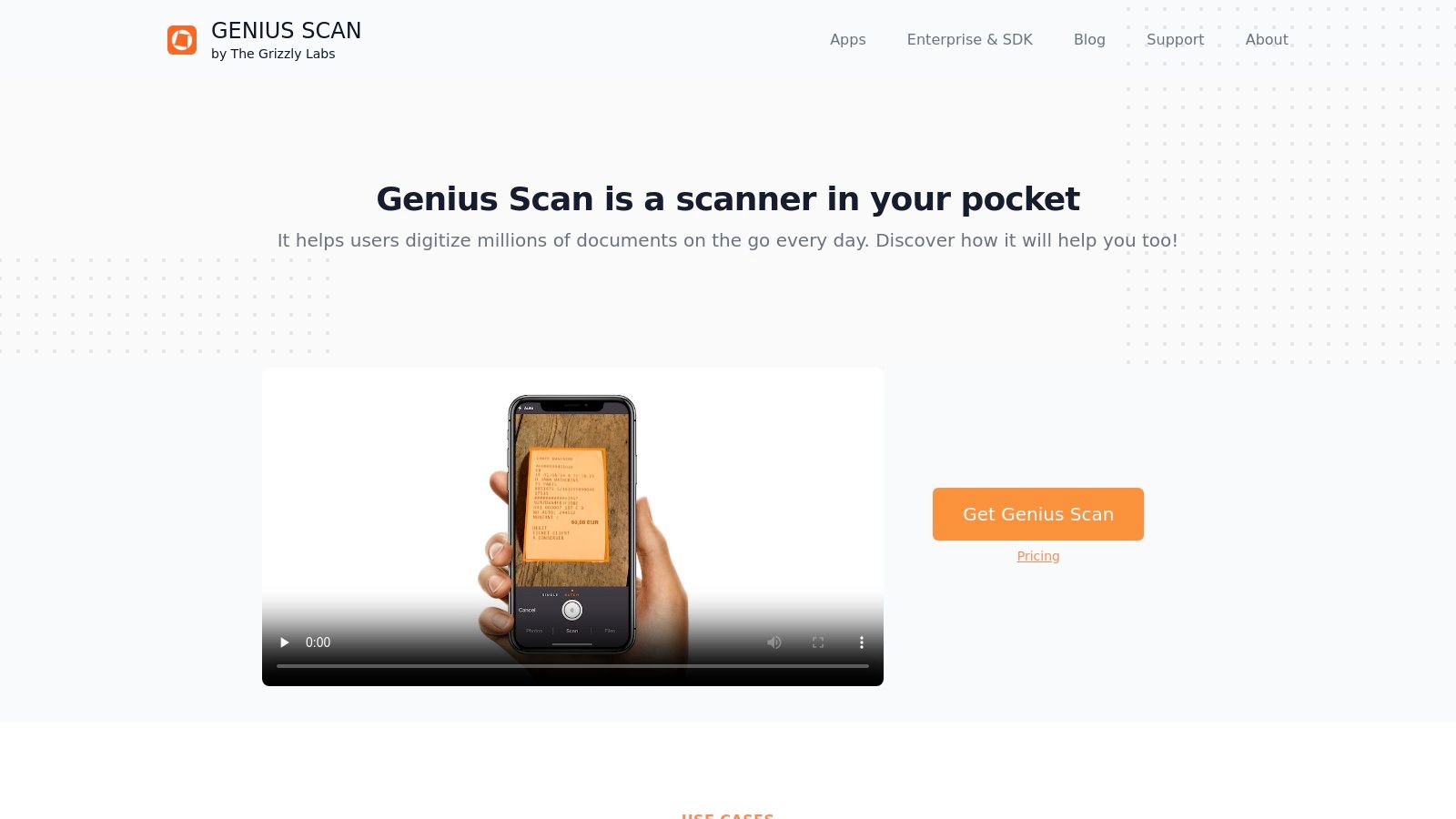
The app's commitment to privacy and a transparent pricing model makes it a trustworthy choice. Unlike many competitors that push for subscriptions, Genius Scan offers a one-time purchase for its premium features (Genius Scan+) or a subscription for its cloud sync and web access service (Genius Cloud). This flexibility allows users to choose the plan that best fits their needs without being locked into recurring payments for core functionality.
How to Use Genius Scan Effectively
To get the most out of Genius Scan for receipts, use its batch scanning mode to quickly capture multiple receipts in a single session. Once scanned, you can name the file with relevant details like "Home Depot - 03.15.2024" and leverage its powerful export options. Connect it directly to services like Expensify, Dropbox, or Google Drive to automate your workflow. For team use, the Genius Cloud subscription provides a centralized, web-accessible repository for documents, making it easy to share and manage scans across a small business or department.
- Pros: Transparent pricing with a strong privacy stance; works well for both individuals and small teams.
- Cons: Expense workflows are more basic than dedicated expense suites like Expensify.
Website: https://thegrizzlylabs.com/genius-scan
11. Adobe Scan
As a heavyweight in the digital document space, Adobe offers Adobe Scan, a powerful and free mobile scanning app that excels at creating high-quality, clean digital copies of physical papers. While not exclusively a receipt manager, its strength lies in its superior optical character recognition (OCR) and document cleanup tools. This makes it one of the best receipt scanning apps for handling faded, crumpled, or unusually long receipts that other apps might struggle with.
Adobe Scan transforms your device into a portable scanner with intelligent features. It automatically detects borders, straightens scans, and cleans up shadows and glare for a crisp, readable PDF or JPEG. Its seamless integration with Adobe Document Cloud means your scanned receipts are automatically saved and accessible across all your devices, fitting perfectly into a broader Adobe-centric workflow for those who already use Acrobat or other Creative Cloud apps.
How to Use Adobe Scan Effectively
To get the most out of Adobe Scan for receipts, use its capture modes to enhance scan quality from the start. Once scanned, leverage the cleanup tools to crop, rotate, or adjust the color. The "Magic Eraser" feature is particularly useful for removing unwanted marks or smudges. For multi-page receipts, its continuous scanning feature lets you capture all pages into a single PDF. While it doesn't offer native expense reporting, you can export the clean, searchable PDFs to your preferred accounting software or cloud storage service. Its powerful OCR makes searching for specific items or totals within your saved documents incredibly easy. The app's AI-powered text recognition is a key feature that ensures your scanned data is accurate and usable.
- Pros: Best-in-class scan quality and OCR for messy or long receipts; integrates seamlessly into the broader Adobe Acrobat ecosystem.
- Cons: Some advanced features like combining, exporting, and compressing files require a paid Acrobat subscription.
Website: https://www.adobe.com/acrobat/mobile/scan
12. Wave (Receipts feature)
For freelancers and small business owners already using Wave's accounting software, the integrated Receipts feature is a game changer. Rather than a standalone tool, this is a module built directly into a comprehensive financial platform, making it one of the best receipt scanning apps for existing Wave users. It streamlines the entire expense tracking process by allowing you to capture receipts via mobile, desktop, or email forwarding, and its OCR technology automatically creates expense entries within your accounting records. This seamless integration eliminates the need for manual data entry and reduces the risk of errors.
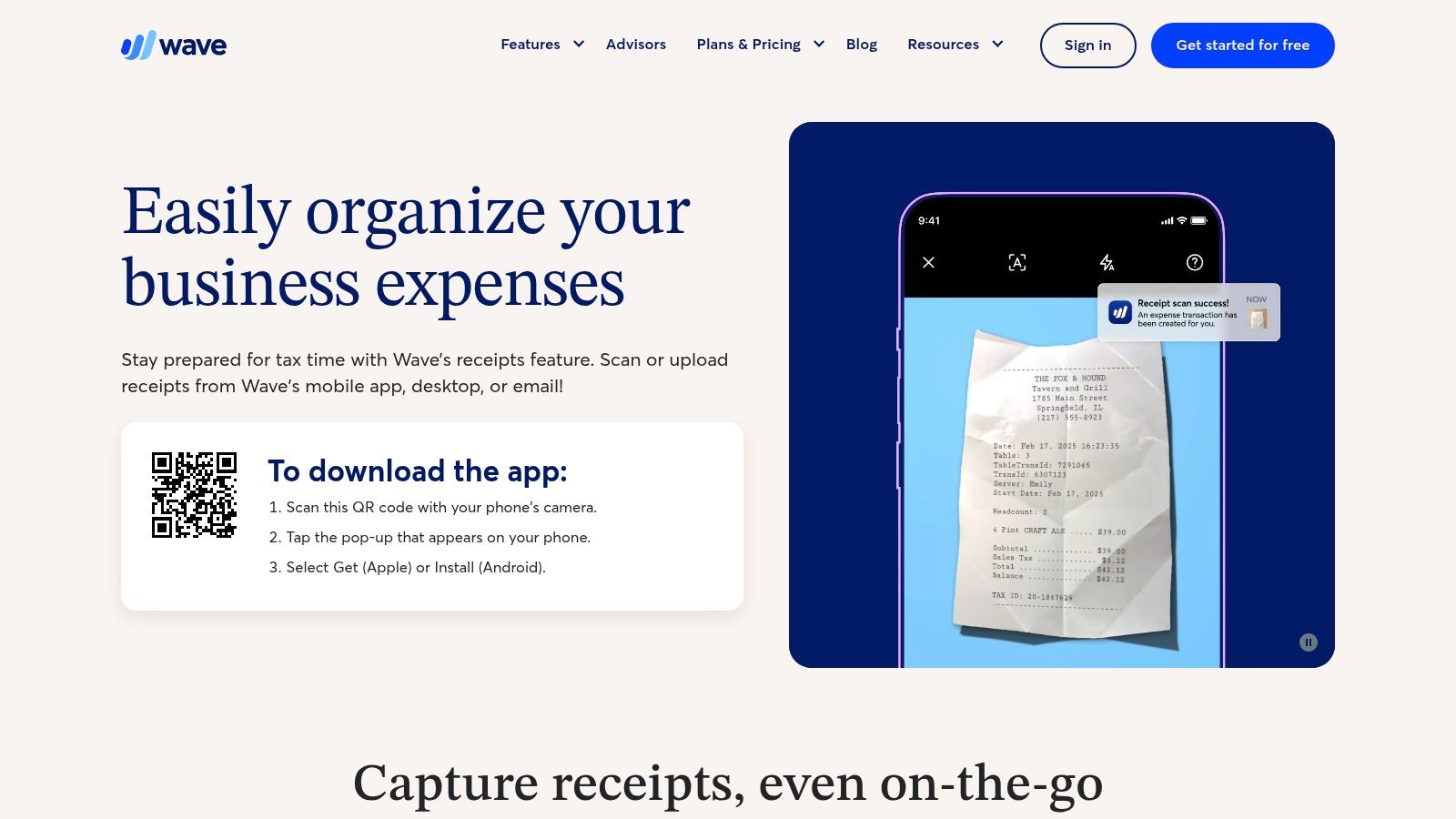
Wave's strength lies in its simplicity and affordability for its target audience: U.S. and Canadian small businesses. The platform can handle bulk uploads and even has a feature for capturing extra-long receipts, which is a practical touch for retail or grocery purchases. By automatically merging duplicate entries, it helps keep your financial books clean and organized without extra effort. While its free accounting software is a major draw, the unlimited receipt scanning is available through a low-cost paid add-on or the Pro plan.
How to Use Wave Receipts Effectively
To get the most out of the feature, set up email forwarding so digital receipts from vendors like Amazon or Uber are sent directly to your Wave account. On the mobile app, use the long-receipt capture mode for lengthy register tapes to ensure all line items are scanned in one go. Regularly review the auto-created expense entries to verify the categorization and tax information, which will save significant time during tax season. This direct link between the scan and your bookkeeping is the primary benefit of using Wave.
- Pros: Low-cost, simple setup that integrates directly into Wave accounting; unlimited receipt scans on the paid Receipts add-on or Pro plan.
- Cons: The ecosystem is narrower compared to competitors like QuickBooks or Xero; some payment features are focused on U.S. and Canadian users.
Website: https://www.waveapps.com/receipts
Top 12 Receipt-Scanning Apps, Feature Comparison
| Product | Key features | UX / Quality | Price / Value | Target & USP |
|---|---|---|---|---|
| Vorby 🏆 | Natural‑language location search; AI image recognition; receipt parsing; QR/NFC mapping; warranty/manuals | ★★★★★ real‑time sync; iPhone + web | 💰 14‑day trial; $7/mo or $5/mo (annual) | 👥 Homeowners, families, movers; ✨ instant room/box lookups, unlimited users |
| Apple App Store | Central iOS app marketplace; app ratings & editorial pages | ★★★★ trusted curation & reviews | 💰 Free to browse; app IAPs vary | 👥 iPhone users; ✨ discover vetted scanning apps |
| Google Play Store | Android app marketplace; compatibility checks & reviews | ★★★★ wide selection & updates | 💰 Free to browse; app IAPs vary | 👥 Android users; ✨ large catalog, easy installs |
| Expensify | SmartScan OCR; expense reports; reimbursements; integrations | ★★★★ fast capture; cross‑platform | 💰 Free basic; paid workspaces for businesses | 👥 Freelancers & SMBs; ✨ automated expense reports |
| Shoeboxed | Mobile + mail‑in receipts; human‑verified OCR; IRS‑ready images | ★★★★ strong for paper backlog | 💰 Subscription or pay‑per‑service | 👥 Paper‑heavy users; ✨ Magic Envelope & human verification |
| QuickBooks Online (Intuit) | Receipt snap/email capture; auto‑match to transactions | ★★★★ native bookkeeping workflow | 💰 Requires QBO subscription | 👥 Small businesses using QuickBooks; ✨ integrated accounting & receipts |
| Zoho Expense | Autoscan OCR; approvals; card feeds; integrations | ★★★★ cost‑effective SMB features | 💰 Low per‑user pricing; edition limits | 👥 SMBs on a budget; ✨ flexible licensing & Zoho ecosystem |
| SAP Concur (ExpenseIt) | Auto itemization; card matching; policy enforcement; analytics | ★★★★ enterprise governance | 💰 Enterprise pricing (sales) | 👥 Large enterprises; ✨ scalable compliance & controls |
| Smart Receipts | OCR extraction; PDF/CSV exports; categories & mileage | ★★★★ lightweight & privacy‑focused | 💰 Affordable one‑time or subscription | 👥 Freelancers/tax preparers; ✨ simple exports & budgeting |
| Genius Scan | High‑quality cleanup; OCR; searchable PDFs; cloud exports | ★★★★★ excellent scan quality | 💰 Freemium; paid cloud/teams plans | 👥 Individuals & small teams; ✨ distortion/shadow removal |
| Adobe Scan | High‑quality OCR; multi‑page + cleanup; Acrobat integration | ★★★★★ best‑in‑class scan quality | 💰 Free app; some Acrobat features require subscription | 👥 Users in Acrobat ecosystem; ✨ superior cleanup & cloud sync |
| Wave (Receipts) | Mobile/desktop/email OCR; auto‑create expenses; unlimited scans (add‑on) | ★★★★ simple & affordable | 💰 Low‑cost; receipts add‑on or Pro plan | 👥 Freelancers & microbusinesses (US/CA); ✨ direct Wave accounting integration |
Final Thoughts
Navigating the landscape of receipt management tools reveals a simple truth: the digital shoebox is here to stay. We've explored a wide range of contenders, from heavyweight champions of business expense tracking like QuickBooks Online and SAP Concur to versatile, user-friendly scanners such as Adobe Scan and Genius Scan. Each application presents a unique solution, tailored to a specific set of needs, proving that there is no single "best" app for everyone. The true challenge lies not in finding a tool, but in identifying the right tool for your specific goals.
The journey to digital organization begins with a clear understanding of your purpose. Are you a freelancer who needs a receipt tracker app for every deductible expense? Or a homeowner building a comprehensive digital record of your most valuable possessions? Your answer fundamentally changes which app will serve you best.
Key Takeaways for Selecting Your App
Making a decision requires a thoughtful comparison of features, pricing, and overall user experience. As you weigh your options, keep these critical factors in mind:
- Primary Use Case: Your core need is the most important filter. Business users should prioritize apps with robust accounting integrations (QuickBooks, Zoho Expense), while individuals focused on personal finance might prefer the simplicity of Smart Receipts or the integrated ecosystem of Wave. For detailed asset management, a specialized tool like Vorby is unparalleled.
- OCR Accuracy and Reliability: The heart of any receipt scanner is its Optical Character Recognition technology. An app that consistently misreads dates, vendor names, or totals will create more work than it saves. Test a few apps with your typical receipts to see which one performs most reliably.
- Integration and Export Capabilities: A receipt scanner shouldn't be an information silo. Consider how you'll need to use the data. Does the app export to CSV or PDF? Does it sync with your cloud storage like Google Drive or Dropbox? Does it connect directly to your accounting software? These integrations are crucial for a seamless workflow.
- Privacy and Data Security: You are scanning sensitive financial information. Always review an app's privacy policy. Understand where your data is stored, who has access to it, and what security measures are in place to protect it.
Your Path to a Clutter-Free Life
The selection process is just the first step. To truly benefit from one of the best receipt scanning apps, you need to integrate it into your daily routine. The most effective strategy is to build a habit of scanning receipts immediately after a purchase. Don't let them pile up in a wallet, a purse, or a designated "doom box" in your kitchen. A quick scan takes seconds and ensures that no important document is ever lost or forgotten. This small, consistent action is the key to unlocking a truly paperless and organized financial life.
For those whose needs lean more toward business and corporate expense management, the market offers even more specialized solutions. For an expanded perspective and to compare additional highly-rated solutions, you might find value in consulting this comprehensive list of the best receipt scanning apps for businesses.
Ultimately, choosing the right app is an investment in your own peace of mind. It’s about replacing clutter with clarity, and manual data entry with automated efficiency. Whether you’re preparing for tax season, managing a household budget, or protecting your valuable assets, the perfect digital tool is waiting to transform how you handle your paper trail.
Ready to move beyond simple expense tracking and create a complete, actionable inventory of everything you own? For managing warranties, insurance records, and the full lifecycle of your valuable items, Vorby is the ultimate solution. Digitize your receipts not just for your taxes, but for your life. Organize your world with Vorby.
Continue the thread
Receipts are one part of home documentation. See where to store important documents, how to organize household paperwork without losing anything, and the best free home inventory tools in 2026.