The search is “best home inventory app for iPad.” What you mean is: I am sitting here with this screen, and I still cannot name what is in the hall closet.
You do not need a barcode gun. You do not need a desktop database that wants SKUs. The iPad in your lap is already a camera.
The barcode fantasy
Every iPad inventory demo starts in a warehouse. Scan a label. Folder. Quantity on hand. That is a stockroom. Your house does not have SKUs. It has a kettle, a tape measure, a Dyson that is still under warranty, and a box marked KITCHEN that is not kitchen.
A barcode on a lamp you will never sell is theater. The lamp does not have a barcode. The receipt is in a Gmail thread from 2019.
What you are actually trying to do
You want to look at the iPad later and answer three questions without walking into the garage.
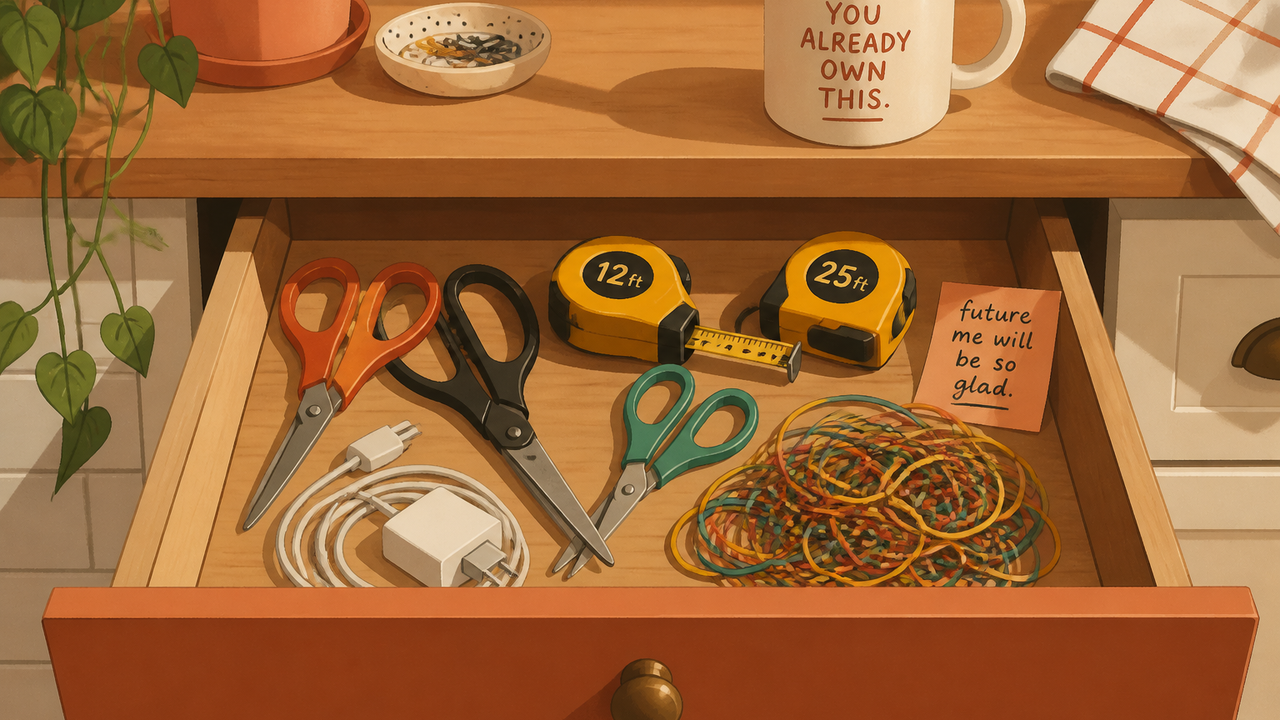
- Do I already own this? The HDMI. The extra sheets. The yellow 25-foot tape measure you are about to buy again.
- Where is it? Hall closet, top shelf, left. Not “somewhere in kitchen.”
- Could I prove it? A photo. The model. What you paid, if you still have that.
That is a photo problem. The iPad is good at photos. It is bad at pretending it is a warehouse terminal.
Use the camera, not the catalog
Open the closet. Photograph the shelf, not the closed door. Lights on. You should see the kettle, the sheets, the tape measure. Then the next shelf. Then the garage wall with the tools.
You do not need every sock. You need the stuff you would hunt, or claim, or buy twice.
A Notes list that says “kitchen stuff” is a room name. Room names are not contents. Same trap as writing KITCHEN on a box. The photo of the open shelf is the list. Type the three words you would actually search: kettle, Dyson, HDMI. The iPad keyboard is fine. A 400-row spreadsheet you will not open from the couch is not.
If you wanted this on a Mac, that is a different screen. There is already a page for Mac. If you wanted a comparison of apps, that is the roundup. This page is the iPad in your hands.
When the list is enough
You are done when you can answer those three questions for the stuff you would actually hunt. If the answer is still “I think the kettle is in a closet,” you are not done.
Buying another tape measure because you cannot picture the first one is a different aisle. There is already a page for that. The unlabeled box is its own scavenger hunt.
If you want the photo of the shelf to become a list without typing every object, that is what vorby.com is for. Snap the closet. You still have to look. The app does not invent a kettle you never photographed, and it still asks you to sign in with Apple or Google before the first item is saved. iPad, iPhone, then the web if you want a bigger screen later.
A few straight answers
Does this work on iPad?
Yes. Vorby is iOS and web. The iPad is the camera. The list shows up on the same device, and later on a phone or a browser.
Do I need a barcode scanner?
No. Most of what you own does not have a barcode you can scan from the couch. Photograph it.
What about Android tablets?
The iOS app is iPhone and iPad. The web app works in a browser if that is what you have.
Is this just for insurance?
No. Insurance is one reason. The daily reason is the same scavenger hunt: the kettle, the HDMI, the tape measure you already own.