Managing your "stuff," whether it's for a growing business or an extensive home collection, often feels like a battle against chaos. An effective inventory management system isn't just about counting what you have; it's a strategic tool for creating efficiency, saving money, and reducing stress. From knowing exactly where that specific holiday decoration box is stored to tracking products across multiple sales channels, the right system brings order and clarity to complex environments.
This guide provides a clear look at a diverse inventory management system example for every need. We will move beyond generic descriptions to offer a detailed breakdown of how each platform functions in the real world. You will see practical applications for powerful business tools like Shopify and Zoho Inventory, as well as innovative home solutions like Vorby for organizing personal belongings.
Each entry includes a deep dive into its unique workflow, complete with screenshots and direct links, to give you a tangible understanding of its strengths. Our goal is to equip you with actionable insights and strategic analysis, helping you choose the perfect system to transform your inventory from a source of confusion into a model of control. Let's explore the best options available.
1. Vorby
Vorby presents a powerful and technologically advanced solution, earning its place as a top-tier inventory management system example for modern households. It moves beyond simple spreadsheets or manual lists by integrating AI-driven features like natural-language search and automatic receipt parsing. This "AI-first" approach is designed to eliminate the most time-consuming aspects of creating and maintaining a home inventory, making it an exceptionally strong choice for busy families, collectors, and anyone managing a shared living space.

The platform’s core strength lies in its intelligent data capture. Instead of requiring users to manually type in every detail, Vorby automates the process. You can simply forward an email receipt, and the system will extract the product name, purchase date, price, and even locate the warranty information or user manual online. This feature alone saves significant time and ensures critical documentation is always attached to the item record.
Strategic Analysis: Key Features and Applications
Vorby’s design philosophy centers on making inventory data both easy to input and instantly accessible. The combination of digital and physical organization tools sets it apart.
- AI-Powered Search & Recognition: The ability to search your inventory using natural language (e.g., “Where did I put the camping tent?”) transforms how you find things. Image recognition further simplifies adding items; just snap a photo, and the AI suggests categories and details.
- Physical-to-Digital Mapping: Vorby bridges the gap between your digital list and physical reality with QR codes and NFC tags. You can assign a code to a specific box, shelf, or room. A quick scan with your phone instantly displays its contents, an ideal workflow for movers or those with extensive storage.
- Collaborative Household Management: The inclusion of unlimited user accounts with permission controls is a standout feature for shared households. Family members or roommates can be granted access to view or edit specific parts of the inventory, ensuring everyone is synchronized without compromising privacy.
Practical Takeaways
For new users, the most effective way to start with Vorby is by tackling one high-value area first, such as your home office or kitchen. Connect your primary email account to leverage the receipt-parsing feature and retroactively build a catalog of recent purchases. From there, use the QR code generator to label storage bins in your garage or attic. This phased approach makes the initial setup feel manageable and delivers immediate organizational wins.
Vorby is available via its web platform and a dedicated iPhone app. After a 14-day free trial, it operates on a subscription model: $7 per month or a discounted annual plan at $60 per year ($5/month). While Android support is not explicitly mentioned, the full-featured web app ensures access from any device with a browser.
Website: https://vorby.com
2. Shopify – Inventory Management
Shopify serves as an all-in-one ecommerce and retail platform, making it a powerful inventory management system example for small to mid-sized businesses. Its primary advantage is the seamless integration of online sales, in-person point-of-sale (POS) systems, and inventory tracking into a single, cohesive dashboard. This unified approach eliminates the common hassle of syncing stock levels across different sales channels.
The platform provides robust native tools for managing products. Users can track stock across multiple locations, create purchase orders to replenish inventory, and execute transfers between stores or warehouses. This is all managed from a central hub that provides a real-time view of every item's status, preventing overselling and clarifying what’s available for sale.

Core Features and Strategic Advantages
Shopify's inventory system is designed for speed and simplicity, allowing businesses to launch quickly without needing complex technical integrations. Key features include:
- Unified Commerce: Manage inventory for your website, social media channels, and physical stores from one place.
- Multi-Location Tracking: Assign and track inventory at various warehouses, retail stores, or even pop-up locations.
- Automated Workflows: Use Shopify Flow to create automations, such as sending alerts for low-stock items or automatically hiding out-of-stock products.
- Mobile Management: The Shopify mobile app includes a barcode scanner, enabling you to manage inventory and fulfill orders directly from your phone.
Its true power lies in the Shopify App Store. While the native tools are excellent for core retail needs, the ecosystem of third-party apps provides specialized solutions for forecasting, advanced reporting, and manufacturing workflows. This modularity allows the platform to grow with a business. To get the most out of these features, it helps to understand fundamental strategies. You can find essential tips by reading about inventory management best practices on Vorby.
Platform Details:
- Best For: Retailers and ecommerce businesses seeking a fully integrated solution.
- Pros: Fast setup, unified sales and inventory hub, and a vast app marketplace to extend functionality.
- Cons: Advanced features like demand forecasting often require paid third-party apps; not ideal for complex manufacturing without add-ons.
Visit Shopify – Inventory Management
3. Square – Unified POS with Inventory
Square provides a compelling inventory management system example by bundling powerful tracking features directly into its renowned point-of-sale (POS) and payment processing platform. This approach is ideal for retailers and service businesses that need a simple, unified system to manage sales and stock without complex integrations. Its strength lies in its accessibility, offering a free entry-level plan that allows new businesses to start tracking inventory from day one.
The platform centralizes inventory control, allowing users to receive stock, make adjustments, and transfer items between locations from a single dashboard. Real-time updates sync across all sales channels, including in-person transactions, online stores, and invoices, which effectively prevents overselling. This seamless integration ensures that whether a customer buys in-store or online, the stock count is immediately and accurately reflected everywhere.
Core Features and Strategic Advantages
Square is designed for operational simplicity, making it incredibly easy for business owners to manage inventory alongside daily sales activities. Key features include:
- Integrated POS and Inventory: Stock levels are automatically updated with every sale made through the Square POS, Square Online, or Square Invoices.
- Centralized Stock Management: A unified hub allows for easy stock receiving, quantity adjustments, and transfers between multiple business locations.
- Aging Inventory Reports: Identify slow-moving stock to make informed decisions about promotions or future purchasing, helping to optimize cash flow.
- Mobile Stock Taking: Use the Square POS app or dedicated hardware like the Square Handheld device, which includes a built-in barcode scanner, to manage inventory on the go.
The true strategic advantage is its low barrier to entry. The free plan provides essential tools, while paid tiers unlock more advanced features. This scalability allows a business to grow without migrating to a new system. By integrating hardware like barcode scanners, businesses can further streamline operations. You can find more details on how to select the right tools by reading about barcoding software for inventory on Vorby.
Platform Details:
- Best For: Small to mid-sized retailers and service businesses needing an all-in-one payment, POS, and inventory solution.
- Pros: Transparent pricing with a robust free option, seamless integration of payments and inventory, and easy-to-use interface.
- Cons: Lacks advanced features for complex manufacturing or bill of materials (BOM); the best payment processing rates are tied to paid plans.
Visit Square – Unified POS with Inventory
4. Zoho Inventory
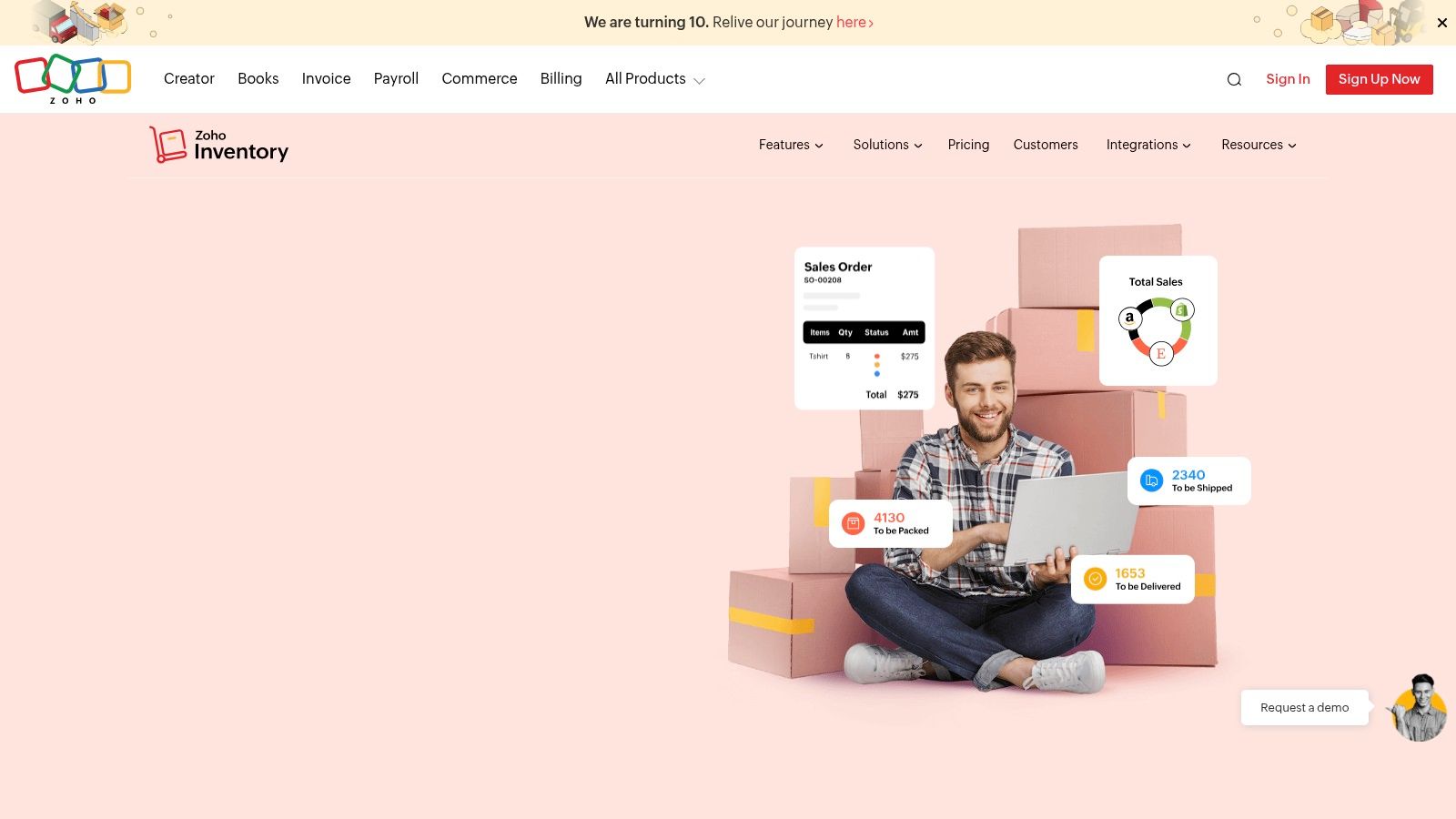
Zoho Inventory is a cloud-based inventory and order management solution that stands out as a prime inventory management system example for small and mid-sized businesses. It provides a comprehensive suite of tools for purchasing, warehousing, and multi-channel sales at a highly competitive price point. The platform is designed to manage the entire inventory lifecycle, from purchase order to final sale, making it a powerful standalone tool or part of the larger Zoho business ecosystem.
Its strength lies in offering advanced features like serial and batch tracking, which are often reserved for more expensive enterprise-level systems. This allows businesses dealing with perishable goods, electronics, or regulated products to maintain precise control and traceability. Zoho Inventory centralizes stock data, ensuring that levels across various sales channels, such as Amazon, eBay, and Shopify, are always in sync.
Core Features and Strategic Advantages
Zoho Inventory is engineered to deliver robust functionality without a steep learning curve or high initial cost. Its key features empower businesses to streamline their operations efficiently:
- Serial and Batch Tracking: Gain granular control over every item by tracking individual units with serial numbers or managing groups of products by batch and expiry dates.
- Composite Items/Kitting: Easily bundle individual items into kits or composite products, with stock levels for components automatically adjusting when a bundle is sold.
- Multi-Warehouse Management: Track and manage stock across multiple physical locations or warehouses from a single dashboard, facilitating efficient order fulfillment.
- Integrated Ecosystem: Seamlessly connects with other Zoho apps like Zoho Books (accounting) and Zoho CRM, as well as third-party shipping carriers and payment gateways.
The platform provides an excellent price-to-feature value, including a functional free tier perfect for startups and small sellers. This scalability allows businesses to grow without facing disruptive platform migrations. For a deeper understanding of how such systems operate, you can learn more by exploring the benefits of real-time inventory management on Vorby.
Platform Details:
- Best For: SMBs and growing businesses needing detailed tracking and order management features at an affordable price.
- Pros: Very competitive pricing with a generous free plan, strong native feature set for most SMB needs, and seamless integration with the Zoho suite.
- Cons: Advanced warehousing features and high order volumes may require higher-tier plans or add-ons; the interface can be dense for absolute beginners.
5. Cin7
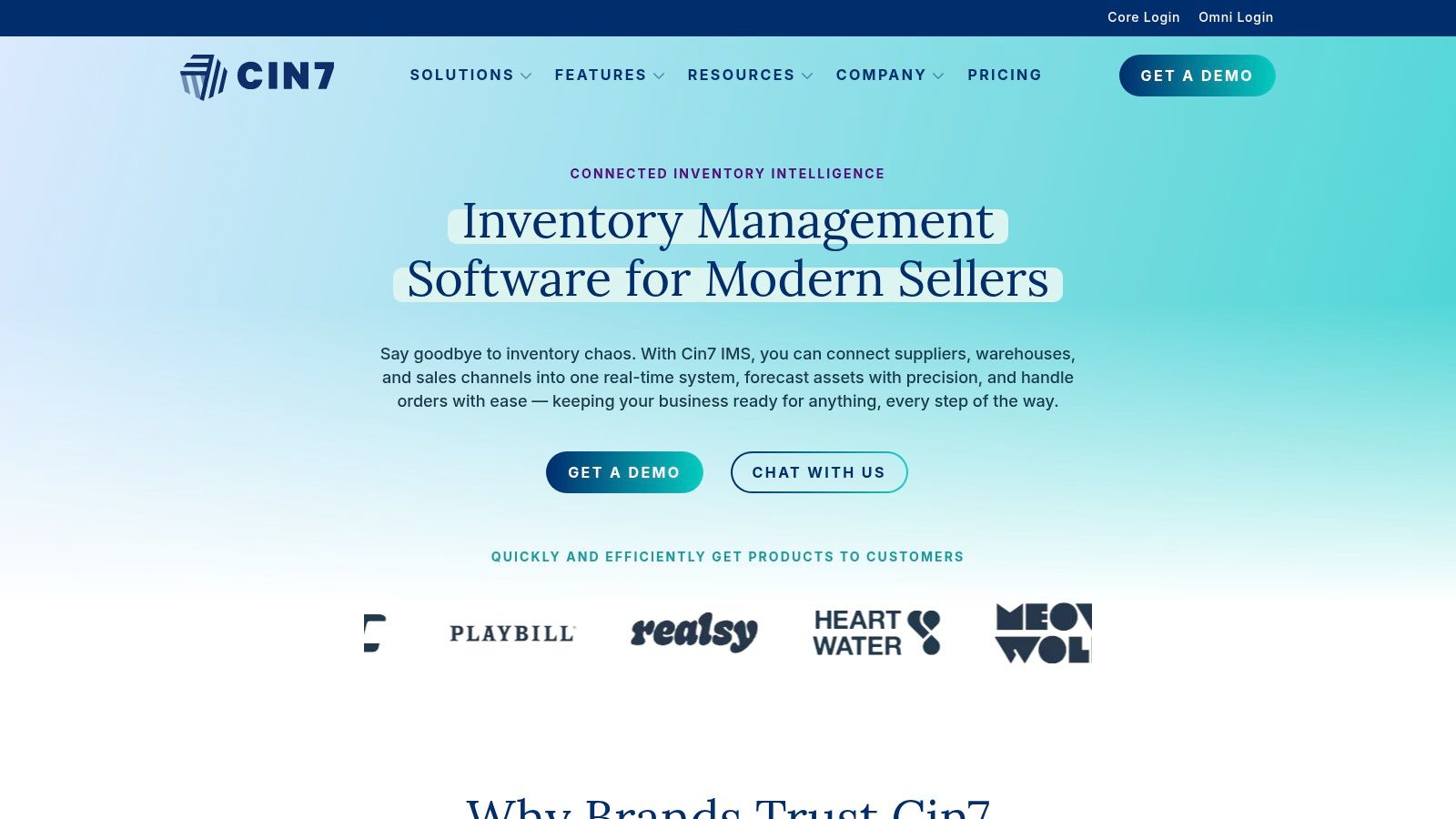
Cin7 offers a highly connected and scalable inventory platform designed for growing product businesses that operate across multiple channels. As a sophisticated inventory management system example, it stands out by centralizing stock, sales, and orders from various sources like ecommerce stores, online marketplaces, and third-party logistics (3PL) providers. This powerful consolidation helps brands automate order fulfillment and maintain accurate stock levels everywhere they sell.
The platform is engineered to handle complexity, providing tools that go beyond basic tracking. It supports businesses as they scale from a single channel to intricate multi-channel operations, offering features like material requirements planning (MRP) and advanced warehouse management. This makes it an ideal solution for companies that are expanding their product lines or distribution networks and need a system that can grow with them.
Core Features and Strategic Advantages
Cin7 is built to streamline operations for product sellers who require precision and control over their supply chain. Its feature set is designed to manage high order volumes and complex workflows. Key features include:
- Extensive Integrations: A large connector library allows seamless integration with major ecommerce platforms, marketplaces like Amazon, 3PL services, and accounting software.
- Advanced Warehouse Tools: Includes functionality for pick-and-pack optimization, barcode scanning, and warehouse transfers to improve fulfillment efficiency.
- Material Requirements Planning (MRP): For businesses that assemble or manufacture products, Cin7 can manage raw materials, track production jobs, and calculate finished goods costs.
- Multi-Location Management: Track inventory across an unlimited number of physical stores, warehouses, or 3PL locations on many of its plans, providing a single source of truth.
The platform’s strength lies in its ability to serve as a central operational hub. By connecting all sales channels and logistics partners, Cin7 automates manual processes, reduces the risk of stockouts or overselling, and provides the data-driven insights needed to make smarter purchasing decisions. It’s a comprehensive solution for businesses ready to move beyond entry-level systems.
Platform Details:
- Best For: Scaling multi-channel brands and product companies with complex operational needs.
- Pros: Robust integrations, designed to scale with order volume, and advanced features like MRP and WMS.
- Cons: Higher starting price compared to basic tools; implementation can be more involved and require dedicated resources.
6. Odoo Inventory (part of Odoo suite)
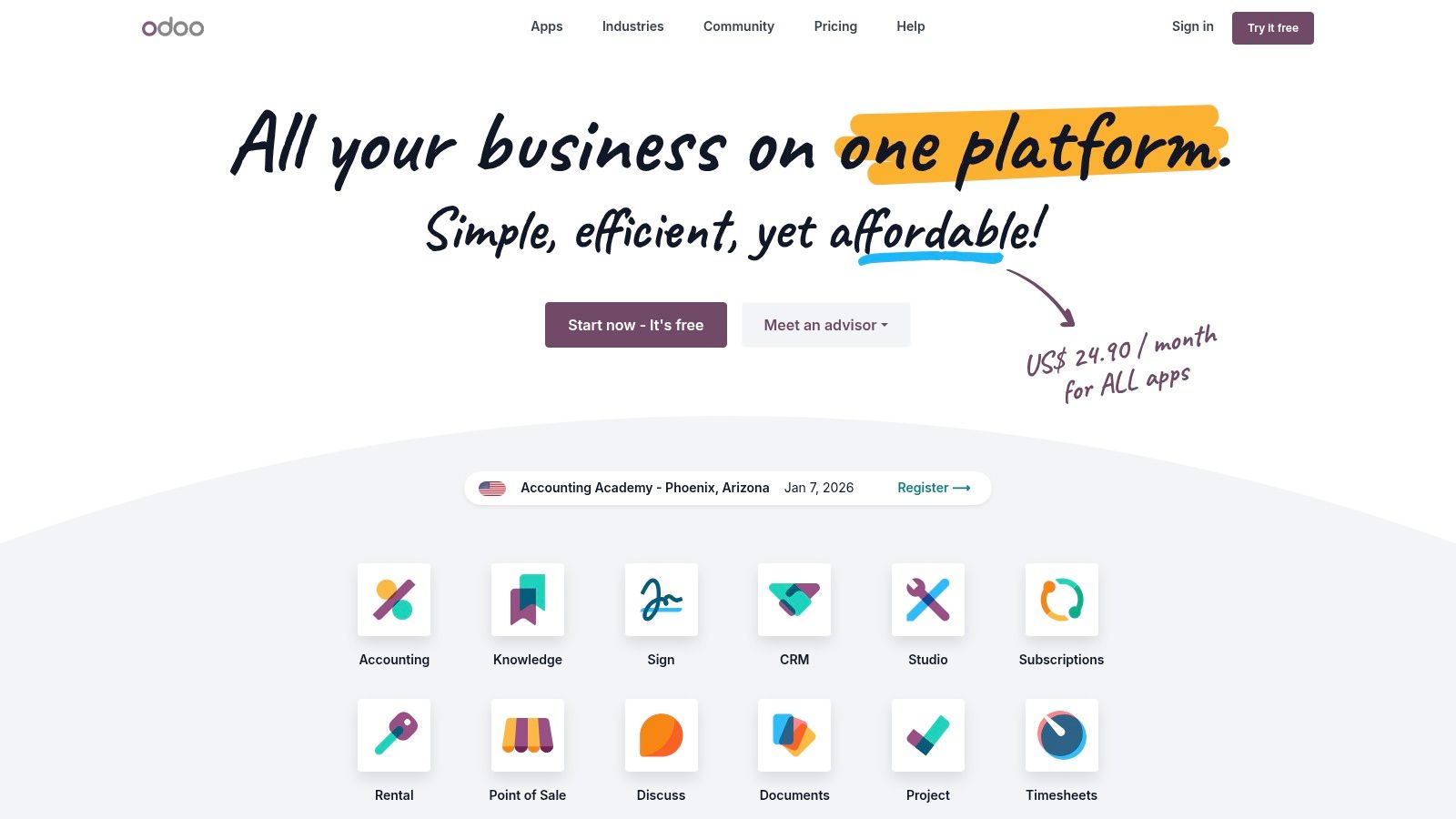
Odoo positions itself as a suite of open-source business apps, and its Inventory module serves as a powerful inventory management system example for businesses that anticipate future growth. Its core strength is its modularity; a company can start with just the inventory app and later integrate it seamlessly with other functions like CRM, Accounting, Manufacturing (MRP), and eCommerce, all within the same ecosystem. This prevents the common problem of outgrowing a standalone system and facing a complex data migration.
The platform offers a comprehensive set of inventory features, including advanced tools for managing receipts, defining putaway rules, creating complex product routes, and utilizing barcode scanner workflows for warehouse operations. It is designed to handle sophisticated logistics, making it suitable for businesses moving beyond basic stock counting into more structured warehouse management.
Core Features and Strategic Advantages
Odoo's approach is to provide an affordable, scalable foundation that can be customized to fit unique business processes. It's an ERP-level tool accessible to smaller businesses. Key features include:
- Modular Expansion: Begin with the Inventory app (which is free for one app) and add other integrated Odoo apps like Sales, Purchasing, or Manufacturing as your operational needs expand.
- Advanced Logistics: Implement multi-step routes, such as cross-docking and drop-shipping, to optimize your supply chain directly within the system.
- Automated Reordering: Set up reordering rules based on minimum stock levels, lead times, and sales forecasts to automate procurement and prevent stockouts.
- Full Traceability: Track every stock move with a unique double-entry inventory system, providing complete upstream and downstream traceability for lots and serial numbers.
The platform's true strategic advantage lies in its open-source nature and extensive customization capabilities. Businesses can modify workflows, build custom reports, and integrate with other systems using the Odoo Studio and API on paid plans. This adaptability allows a company to build a truly bespoke ERP system over time without the high initial cost of traditional enterprise solutions.
Platform Details:
- Best For: Growing businesses needing a scalable solution that can evolve from a simple inventory tool into a full-fledged ERP.
- Pros: Highly cost-effective entry point, extensive customization options, and a comprehensive suite of integrated business apps for future growth.
- Cons: The DIY setup can be more complex than turnkey solutions; many businesses benefit from working with an Odoo implementation partner.
7. Capterra – Inventory Management Software Directory
Capterra operates as a comprehensive software marketplace rather than a standalone platform, making it a unique but invaluable inventory management system example for research. Its primary function is to help businesses discover, compare, and shortlist potential inventory solutions from a vast directory of vendors. This approach empowers users to find the perfect fit based on their specific industry, budget, and feature requirements.
The platform streamlines the often overwhelming process of vendor selection. Users can filter through hundreds of options using criteria like barcoding capabilities, multi-location tracking, or specific integrations. Capterra aggregates user reviews, pricing information, and detailed feature lists into easy-to-digest comparison grids, providing a bird's-eye view of the market landscape and saving countless hours of manual research.
Core Features and Strategic Advantages
Capterra's strategic value lies in its ability to provide clarity and efficiency during the software procurement phase. It's a starting point for anyone looking to understand what options are available before committing to demos or trials. Key features include:
- Advanced Filtering: Narrow down software options by industry (e.g., retail, manufacturing, wholesale), business size, deployment type (cloud-based or on-premise), and specific features.
- Side-by-Side Comparisons: Directly compare up to four different products, viewing their features, pricing models, and user ratings in a clear, organized table.
- Verified User Reviews: Access thousands of reviews from real users to gain insights into a system's ease of use, customer support quality, and overall value.
- Buyer Guides and Reports: Read expert-written guides and research reports that explain different pricing models, essential features, and current market trends to make a more informed decision.
By centralizing information, Capterra helps businesses avoid the common pitfall of choosing a system that doesn't scale or meet their unique operational needs. It serves as a crucial due diligence tool, highlighting both popular leaders and niche players that might otherwise be overlooked.
Platform Details:
- Best For: Businesses in the research phase seeking to compare and shortlist multiple inventory management solutions.
- Pros: Free to use for buyers, saves significant research time with side-by-side comparisons, and provides real user reviews.
- Cons: Pricing and feature information can occasionally be outdated; always verify details on the official vendor websites.
Visit Capterra – Inventory Management Software Directory
Top 7 Inventory Management Systems Comparison
| Product | 🔄 Implementation Complexity | ⚡ Resource Requirements | 📊 Expected Outcomes | 💡 Ideal Use Cases | ⭐ Key Advantages |
|---|---|---|---|---|---|
| Vorby | Low to Medium, QR/NFC tagging + app setup; minimal training | Low, iPhone/web, QR/NFC tags, subscription (14‑day trial → $7/mo or $5/mo annual) | Improved findability, warranty/manual tracking, time savings | Households, movers, collectors, shared homes | AI search & image recognition; unlimited items/users; voice assistant |
| Shopify – Inventory Management | Low, native inventory with optional apps for advanced needs | Medium, Shopify plan, POS hardware/apps for forecasting | Fast launch; synced online & POS inventory; basic automation | Small–mid retailers and ecommerce stores | Integrated store+POS; large app ecosystem for extensions |
| Square – Unified POS with Inventory | Low, out‑of‑box POS + inventory; simple workflows | Low to Medium, free tier available; optional Square hardware | Basic counts, transfers, aging reports; integrated payments | Small retailers, mobile sellers, cafes, pop‑ups | Transparent pricing; payments + POS + inventory in one place |
| Zoho Inventory | Low to Medium, cloud setup, add‑ons for advanced features | Low, free tier; paid tiers/add‑ons to scale users/locations | Multi‑channel sync, serial/batch tracking, order management | SMBs needing order & inventory management | Competitive pricing; broad SMB feature coverage |
| Cin7 | High, MRP/WMS and wide integrations; non‑trivial rollout | High, higher starting price and implementation effort | Scales complex multi‑channel operations; advanced planning | Growing product companies, multi‑channel brands, 3PLs | Robust MRP/WMS, large connector library |
| Odoo Inventory | Medium to High, modular ERP; DIY config or partner recommended | Medium, free entry app; paid modules to expand ERP | Flexible ERP expansion (CRM/Accounting/MRP), customizable workflows | Businesses wanting modular ERP and growth path | Modular apps, cost‑effective scaling, active community |
| Capterra – Inventory Directory | Minimal, research platform, no deployment | Very Low, free to use; time to compare vendors | Faster vendor discovery; side‑by‑side price/feature view | Buyers shortlisting inventory software across budgets | Extensive reviews, filters, and vendor links for comparisons |
Choosing Your System: From Examples to Actionable Strategy
Throughout this article, we've explored a diverse set of inventory management system examples, from comprehensive enterprise solutions like Cin7 and Zoho Inventory to specialized point-of-sale systems like Square. Each example offers a unique approach to a universal challenge: knowing what you have, where it is, and what it’s worth. The key takeaway is clear: the "best" system is not a one-size-fits-all solution but a tool perfectly aligned with your specific needs.
For a multichannel e-commerce business, a system like Shopify or Odoo provides the necessary framework for tracking stock across various sales platforms. In contrast, a homeowner or collector requires something different, a tool built for personal assets, not commercial stock. This is where an intelligent home inventory system like Vorby shines, offering a user-friendly interface designed for cataloging personal belongings, from electronics and warranties to cherished collections.
Your Final Checklist for Selecting the Right System
To move from understanding these examples to making a confident decision, use the following questions as a guide. Answering them honestly will illuminate the path to the right tool for your situation.
- What is Your Primary Goal? Are you trying to organize a chaotic garage, track valuable collectibles for insurance, manage a small business's stock, or streamline a shared household? Your core objective will immediately filter your options.
- What is the Scale of Your Inventory? Consider the number of items you need to track. A system for a dozen high-value antiques is very different from one designed to manage thousands of SKUs or the entire contents of a four-bedroom house.
- Which Features are Non-Negotiable? Do you need barcode or QR code scanning, AI-powered search, receipt parsing, mobile access, or the ability to create shareable lists? Prioritize your must-haves versus nice-to-haves.
- What is Your Budget? Solutions range from free or low-cost apps for personal use to significant monthly subscriptions for enterprise-level software. Determine what you are willing to invest.
- Do You Need Specialized Features? Sometimes a standard system won't do. For unique needs, like organizing vehicle contents, you might even look at dedicated hardware solutions. When exploring specialized solutions, consider a practical example like the Mitsubishi Cargo Management System, which shows how tailored organization can solve very specific problems.
Answering these questions transforms the abstract idea of an "inventory management system example" into a concrete, actionable plan. You are now equipped to select a tool that doesn’t just store data but actively simplifies your life and brings order to your environment. The clarity and peace of mind that come from a well-organized inventory are well within your reach.
Ready to see how a modern, intelligent inventory system can transform your home organization? Vorby was designed to be the ultimate personal inventory management system example, turning chaos into clarity with features like visual search, smart organization, and easy sharing. Start your free trial today and experience the future of home inventory management at Vorby.