Barcode tracking systems take the manual grunt work out of home inventory. By tagging each item with a printed label and scanning it via your smartphone or a handheld reader, you get real-time visibility, faster updates, and fewer errors than scribbling notes on paper.
Transform Your Home With Barcode Tracking Systems
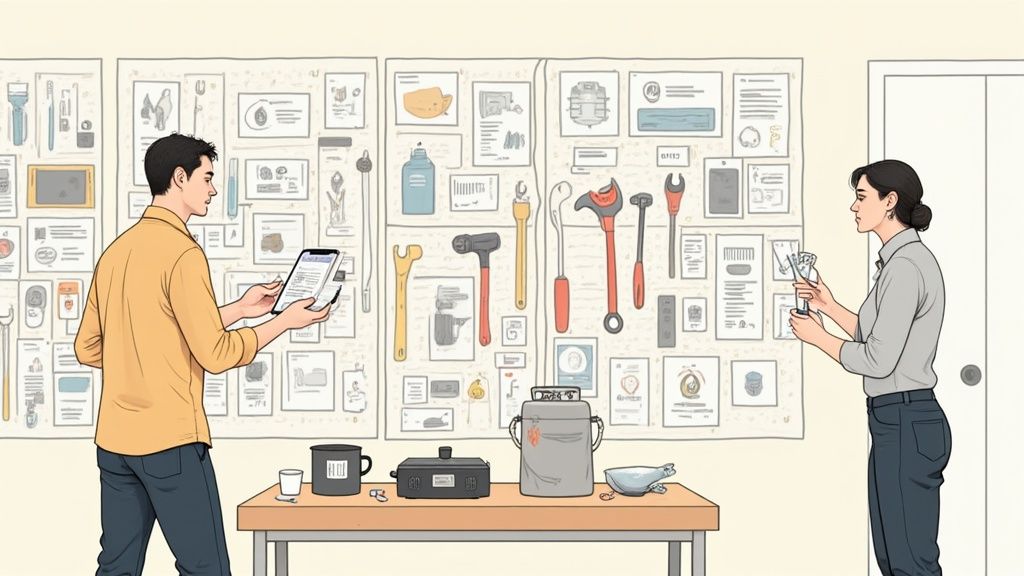
Picture a chaotic garage cleared into a tidy ‘smart workshop.’ You hover your scanner over a tool, tap the screen, and immediately log its status or where you stashed it. No more hunting for that drill from last weekend’s project.
Key Advantages
- Encode every detail—name, serial number, purchase date—directly into each barcode
- Deploy tags and scanners for under $20 and streamline your labeling flow
- Skip manual entry and boost accuracy with a simple scan
Ready to map out workflows for your entire home? Dive into our guide on asset and inventory management for a deep dive.
Next up, we’ll break down how barcodes stack up against QR codes, NFC, and RFID, then walk through practical setups—from label printing to mobile apps. By the end, you’ll know exactly how to track your belongings, prevent waste, and build lasting peace of mind.
Understanding Key Concepts
Picture scanning a barcode like pulling the right book from a perfectly indexed library rather than digging through endless spreadsheet rows. That instant clarity sets the stage for everything else.
At its core, barcode tech breaks down into three main types:
- 1D barcodes: simple, linear stripes that carry serial or SKU codes
- 2D barcodes: compact grids able to store batch numbers, URLs, or other metadata
- GS1 standards: global guidelines that keep those codes uniform across different scanners and devices
How GS1 Unifies Tracking
Think of GS1 as an international playbook. Whether you’re using a smartphone app or a handheld scanner, the barcode data reads the same way every time.
Two key steps make this possible:
- Serialization tags each item with a unique ID
- Aggregation links individual items into larger packs or cases
Together, they unlock real-world capabilities, like tracing that one favorite mug back to its exact production batch if there’s ever a recall.
Serialization and aggregation unlock detailed traceability in homes and supply chains.
By the mid-2020s, 90% of major retailers were scanning GS1 barcodes ten billion times per day. For more insights, check out these barcode statistics.
Comparing Barcode Tracking Systems With QR NFC And RFID
When you’re piecing together a reliable home-inventory setup, barcodes often come first to mind. They’re unbelievably cheap—under $0.05 per tag—and nearly every smartphone can scan them. No special gear required.
NFC tags shine when you need a fast tap-and-go process. Slip one on a key ring or a small appliance, and a quick bump from your phone reveals the details. On the other hand, RFID steps in when you want to read dozens of items at once, even if they’re hidden away in boxes; think of scanning an entire shelf without pulling anything out.
To help you choose, here’s a side-by-side look at how each technology stacks up in a typical home inventory:
Comparison of Barcode QR NFC RFID
Before picking your winner, let’s lay out the core specs and ideal use cases.
| Technology | Data Capacity | Scan Range | Cost per Tag | Ideal Use |
|---|---|---|---|---|
| Barcode | Low | < 1 m | <$0.05 | Simple lists and price-sensitive items |
| QR Code | Medium | < 1 m | ~$0.10 | Rich metadata on small gadgets |
| NFC | Low | < 0.2 m | ~$0.25 | Quick taps, keys, remotes, wearable devices |
| RFID | High | ≤ 10 m | ~$0.50 | Bulk scans, hidden tags, rugged storage zones |
As you can see, barcodes keep costs to a minimum. QR codes add more data while still scanning easily on phones. NFC tags give you that friendly “tap” experience, and RFID frees you from line-of-sight constraints when you really need speed.
Choosing Between 1D And 2D Barcodes
If your goal is a straightforward checklist—say, tracking books on a shelf—1D barcodes get the job done. They’re quick to print and read, and they live for years on a label. But when you need to store serialized data or attach a mini user manual to each asset, 2D codes (like QR) carry several times more information in the same footprint.

This decision tree shows why 1D codes suit basic inventories, while 2D options unlock richer datasets for each item.
Environment And Hardware Considerations
Every home has its quirks, dusty garages, humid basements, sunlit attics. Your choice of tracking tech should match those conditions:
Barcode
• Needs clear labels and decent lighting
• Vulnerable to scratches and moisture
• Scanner or smartphone camera requiredNFC
• Tags are often sealed and water-resistant
• Perfect for small items you handle often
• Short “tap” distance demands precisionRFID
• Works through cardboard, wood or plastic
• Ideal for large collections or hidden storage
• Requires an RFID reader and compatible antennas
Whatever path you take, keep your workflow tight, label as you go, test a few samples, then roll out that scanning routine across your entire home. And if you’re curious about blending RFID into your setup, check our guide on RFID integration for hands-on tips and real-world examples.
Real World Home Inventory Use Cases
Scanning a barcode in your hallway can feel almost magical. Suddenly, that dusty box in the corner isn’t a mystery anymore.
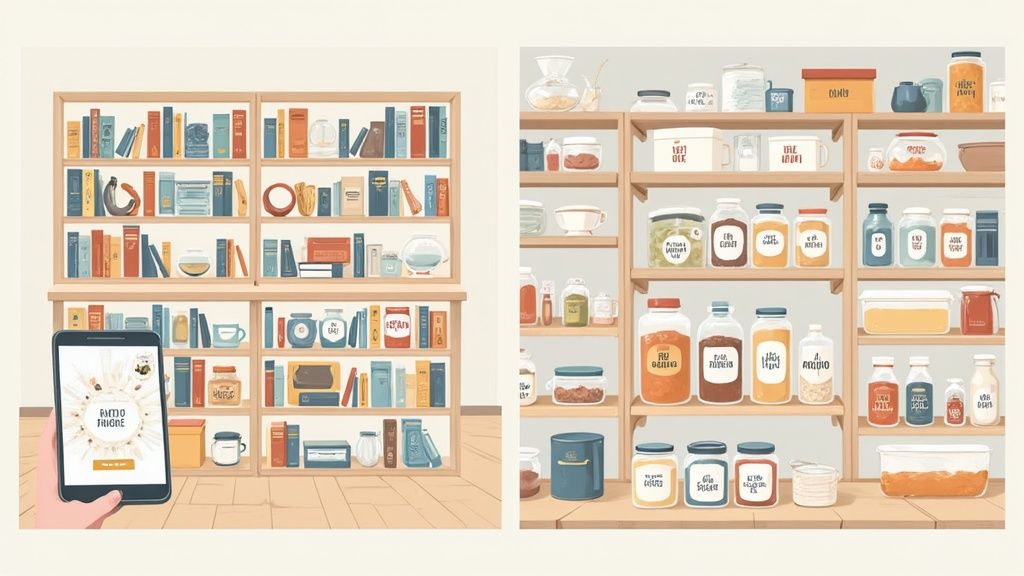
In the home library, each book’s shelf location updates the moment you scan its label. In the pantry, your smartphone flags low staples so nothing goes to waste.
When decorating season arrives, periodic audits of storage bins keep holiday ornaments and toolboxes exactly where you left them. Every scan feeds into Vorby for real-time visibility and secure backups.
Barcode tracking systems bring clarity and ease to home organization.
Key Use Cases
- Library Management With 2D QR Codes For Shelf Indexing
- Pantry Control Using 1D Barcodes And Smartphone Scans
- Tool Tracking Via Handheld Readers And Quick Spot Checks
Label Workflow Steps
- Choose durable labels and a scanner that fits your storage environment.
- Establish regular scan routines and log items as they move through each room.
- Sync every scan to Vorby for instant visibility and reliable backups.
Below is a quick reference mapping common scenarios to the ideal barcode and scan approach.
Home Inventory Use Case Summary
| Use Case | Recommended Barcode | Scanning Method | Key Benefit |
|---|---|---|---|
| Home Library | 2D QR | Smartphone camera | Instant location |
| Digital Pantry | 1D Barcode | Mobile app | Low stock alerts |
| Tool Tracking | 1D Barcode | Handheld reader | Fast inventory checks |
With these simple workflows, barcode tracking brings seamless order to every corner of your home.
Implementation Options And Tools
Getting started couldn’t be simpler. You can scan barcodes with your smartphone or invest in a dedicated handheld unit. Right now, the 2D barcode reader market is projected to expand from USD 8.44–8.98 billion in 2025 to USD 13.7 billion by 2032, and reach USD 20.3 billion by 2034. That surge reflects growing demand for reliable, fast hardware in retail and beyond. Handheld scanners typically range from $150–500, with variations in build quality and battery life.
The table below gives a snapshot of popular models, showing how price stacks up against durability:
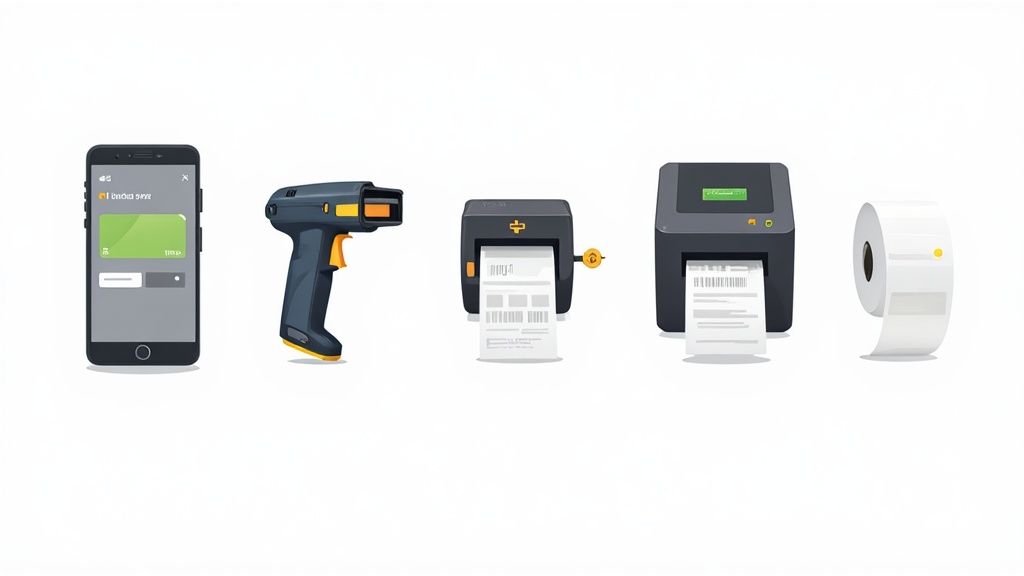
You’ll notice compact scanners often trade longer runtimes for a sleeker form factor, perfect if you value portability over marathon shifts.
Scanner Hardware Options
• Free Mobile Apps
• Use your phone’s camera, no extra cost, instant setup
• Ideal for small projects or occasional scans
• Entry-Level Handheld Scanners ($150–300)
• Decent battery life for weekend inventory audits
• Durable enough for home use, but not drop-proof
• Professional Handheld Units ($300–500)
• Rugged housing and extended run times
• Built-in memory for large batches of scans
Software Platform Choices
Homeowners often begin with basic spreadsheets and then move to cloud-based services with dashboards. For a detailed look at tools that integrate seamlessly with Vorby, check our guide on barcoding software for inventory.
- Spreadsheets: Free, fully customizable, but manual updates
- Subscription Services: Automated cloud sync, visual dashboards
Label Printing Tips
Choosing the right label material keeps your codes scannable years down the road. We recommend:
- Polyester or Vinyl Labels: Tear- and water-resistant
- Permanent Adhesive: Sticks firmly to metal, plastic, even wood
- High-Contrast Inks: Black-on-white or black-on-yellow for best readability
Sync And Automate Workflows
Once your hardware and labels are in place, tie everything into a platform like Vorby. Real-time syncing means:
- Instant updates across all your devices
- Automated inventory reports sent via email or text
- No more manual cross-checks or version mismatches
Give it a try, you can have scans flowing into Vorby in under a minute and start watching your home inventory update itself.
Security And Integration Workflows
Imagine someone sneaking into your home inventory and swapping labels on your favorite gadgets. That’s the kind of mess you avoid when you lock down your data just as tightly as you would your front door.
We’ll walk through encryption, user permissions, and network-sync safeguards designed to keep unauthorized changes at bay. Strong password rules (think 12+ character passwords with 2FA) and a disciplined backup schedule are your first line of defense.
Storing records in a local CSV file is like tucking documents into a heavy, locked cabinet. On the other hand, cloud storage acts as a fortified digital vault you can access from anywhere. Both have trade-offs: local files limit exposure to online threats but risk hardware failure, while the cloud offers seamless sync at the cost of potential privacy concerns.
Next, we’ll explore:
- Local vs. Cloud Storage: Pros, cons, and when to choose each
- Encryption Best Practices: From at-rest protection to transport security
- Sync Risks: How TLS encryption and VPNs shield your data in transit
For a deeper dive, check out the full data protection guidelines.
Finally, inside Vorby you’ll find simple toggles for app-level security. Assign roles, restrict user actions, or grant temporary access, all without writing a single line of code.
Integration Tactics
- Import Batch Labels Into Vorby Using a CSV Template
- Define Tagging Rules for Automatic Categorization
- Automate Scan Reports to Receive Real-Time Summaries
A secure workflow balances access control with user convenience.
| Aspect | Best Practice |
|---|---|
| Password Policy | Use 12+ character passwords and 2FA |
| Data Backup | Schedule daily automated and offline backups |
| Network Sync | Enforce TLS encryption and VPN use |
By blending these security measures with streamlined integration tactics, you’ll build a barcode-tracking setup that’s both robust and easy to maintain.
Frequently Asked Questions
What gear do I need to start barcode tracking systems at home? Most people get going with a smartphone and the free Vorby app. If you prefer dedicated hardware, a basic scanner works flawlessly for home use. Labels, whether you choose durable adhesive or preprinted tags, cost under $0.10 each.
How does Barcode Compare To RFID For Casual Users? Barcodes are the budget-friendly option and only require a clear line of sight. RFID can read multiple tags in one sweep, but you’ll need a dedicated reader to make it happen.
Data Protection And Privacy
What steps protect my inventory data? I always pair encrypted backups with secure passwords. For extra peace of mind, keep a local CSV backup and enable optional cloud sync so you have both an offline copy and a remote fallback.
Secure barcode workflows balance ease of use with encryption and access controls.
Troubleshooting Misreads
When a scan doesn’t register, try this quick checklist:
- Make sure the label is centered and flat under the scanner
- Wipe away dust, grease, or other smudges
- Swap out any tags that have faded or curled
What if labels get damaged? Simply print a fresh tag, stick it on, and update your item details in seconds via the mobile app.
Ready to organize your home? Give Vorby a spin for AI-powered inventory and secure real-time sync. Start Your Free Trial Today