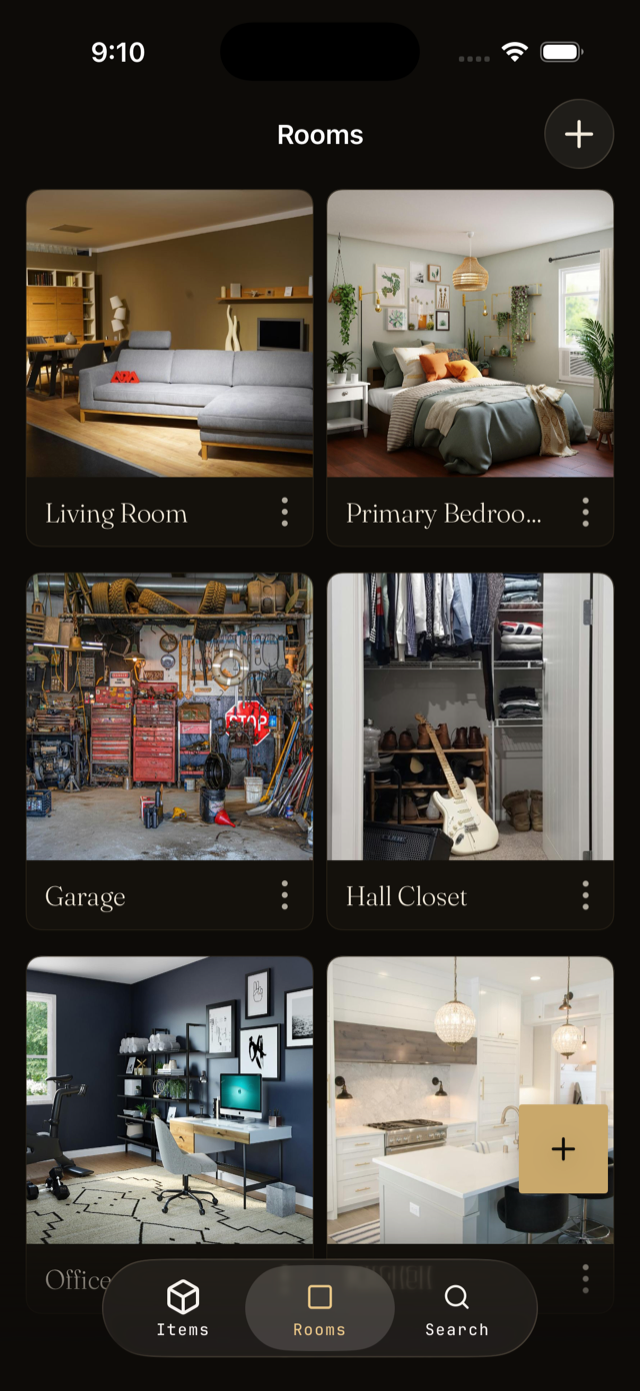
Rooms are the broad areas of your home, like Kitchen or Garage. Locations are the specific spots inside a room, like Top drawer or Pantry shelf. Together they answer the question every household asks: where is it?
Create a room
- Open the Rooms tab from the main navigation.
- Tap Add room and give it a name. Choose an icon if you like.
- Save. The new room is ready to receive items.
Add locations inside a room
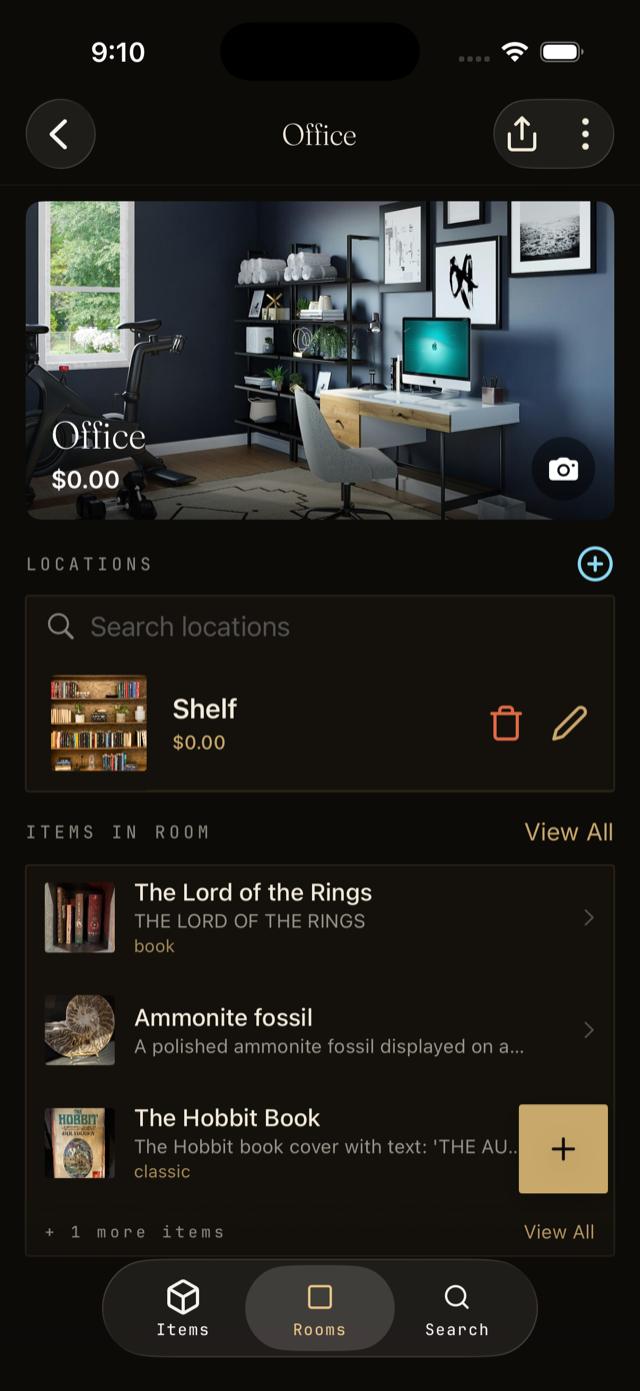
- Open a room and tap Add location.
- Name the spot. Be specific: Top shelf is more useful than Shelf.
- Save. You can now assign items to this exact location.
Move an item to a new spot
Open the item page and tap the room or location field. Pick a new room or location and save. Vorby keeps the history so you always know where it was last.