A home in Vorby is one self-contained inventory: its own items, rooms, locations, members, and currency. If you manage more than one place, you can keep them separate and switch between them in a tap.
Switch the active home
- Open the sidebar (the menu button on mobile, always visible on desktop).
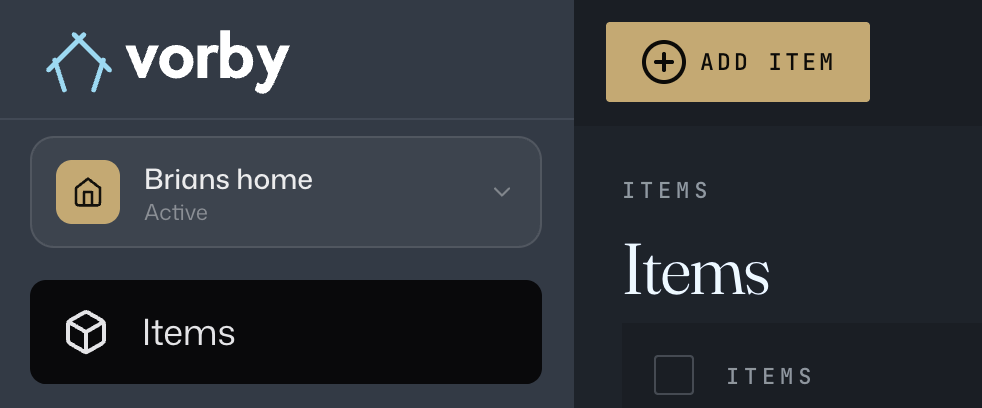
- At the top of the sidebar, tap the home name with the home icon. A dropdown opens listing every home you belong to.
- Tap the home you want to switch to. The app reloads to that inventory.
The home currently selected is highlighted and marked with a small dot. Each row also shows how many items are in that home so you can spot the right one at a glance.
Create another home
- Open the same home dropdown.
- At the bottom, tap the dashed Create home button.
- Give the new home a name and an optional description, then save.
- Vorby switches you to the new home automatically. Start adding rooms and items.
Edit or rename a home
Open the House page from the sidebar and tap Edit. From there you can change the home's name, description, picture, and currency. Only the home owner sees the delete option.