Every item, room, location, and label in Vorby has a QR code. Stick one on a bin and a quick scan opens the page showing what is inside. This is especially useful for garages, basements, and self-storage. A label's QR code opens every item carrying that label, wherever it lives.
Generate a QR code
- Open the room, location, item, or label you want a code for.
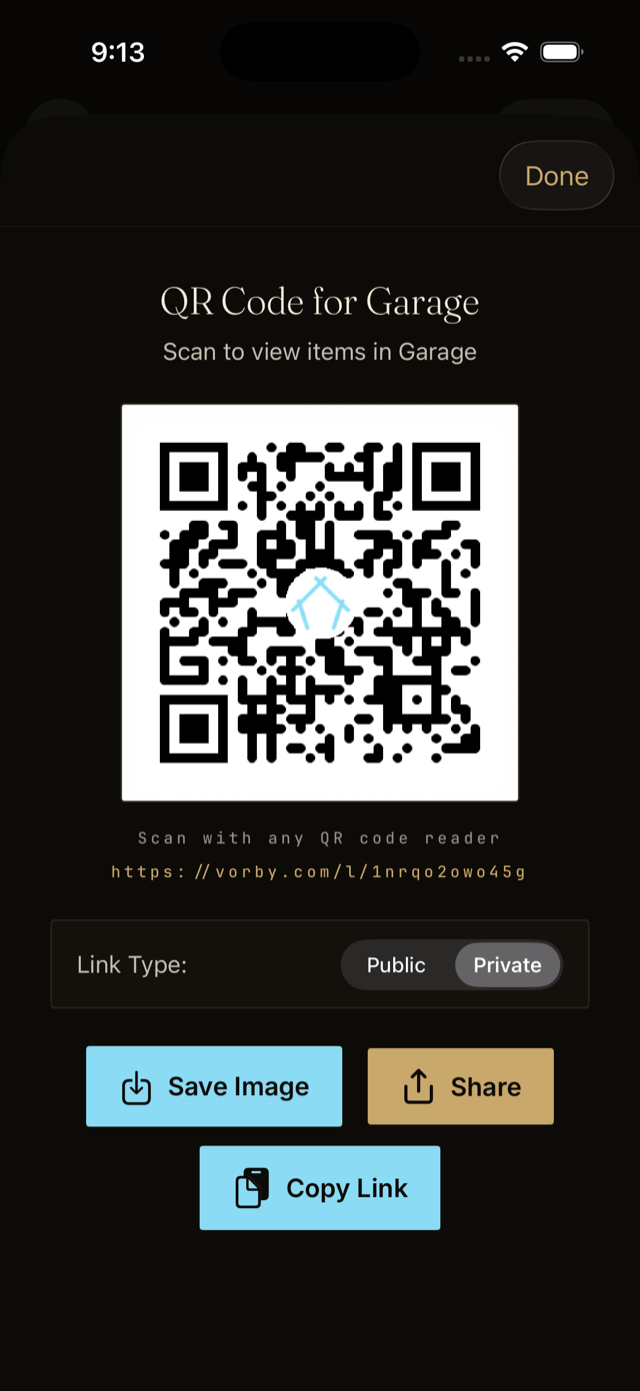
- Tap the menu button in the top corner and choose QR Code & NFC Tag.
- Pick a link type. Public opens for anyone who scans it; Private opens only for household members who are signed in.
- Tap Save Image to keep the code in Photos, or Share to send it straight to a printer.
- Print on plain paper, sticker stock, or a label printer.
Scan a code
Open your phone's camera and point it at the code. A banner appears; tap it and Vorby opens to that item, room, location, or label. Any QR reader works, and a public code opens even for someone who does not have Vorby installed.