A home inventory is more useful when everyone in the household can use it. Vorby supports two kinds of sharing: full household members who can edit, and read-only links you can hand out to anyone.
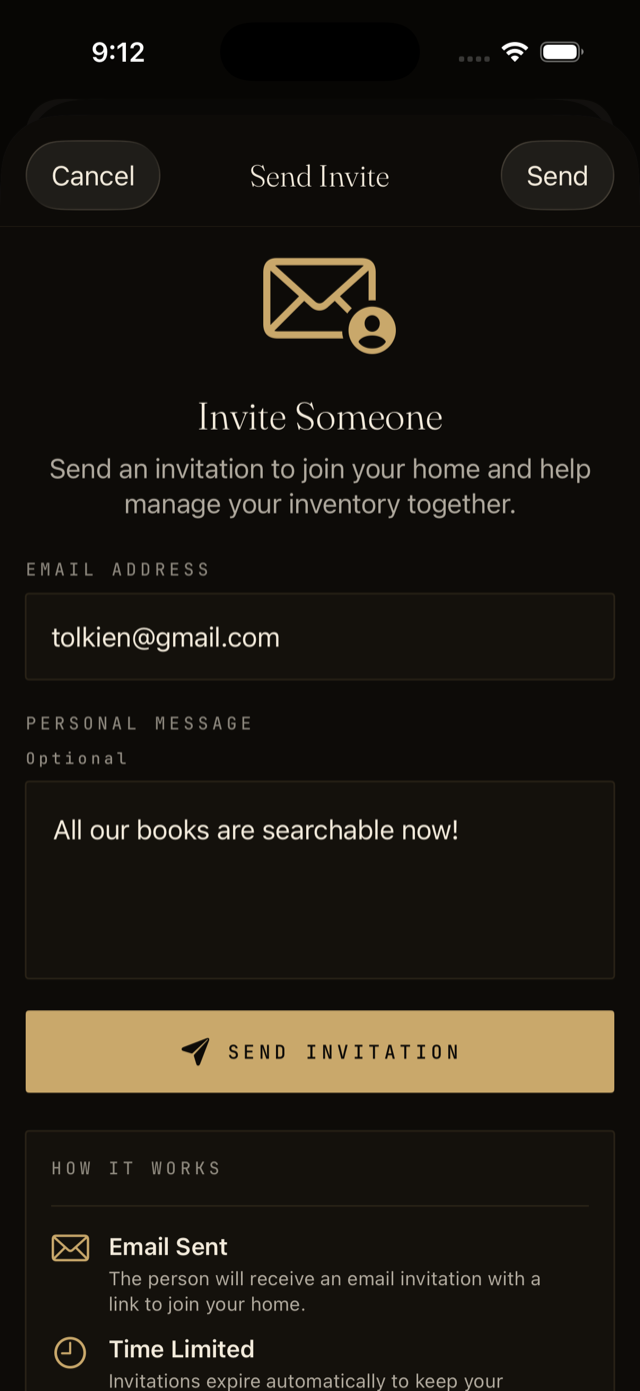
Invite a household member
- Open Settings and choose Household.
- Tap Invite member and enter their email address.
- They get an email with a link. Once they accept, they can add, edit, and search the same inventory you do.
Share a read-only link
Read-only links are useful when you want to show something to a friend, a renter, or an insurance adjuster without giving them an account.
- Open the item, room, location, or label you want to share.
- Tap the share icon and choose Create link.
- Copy the link or show the QR code. Anyone with it can view, but not edit.
- Revoke the link any time from the same screen.