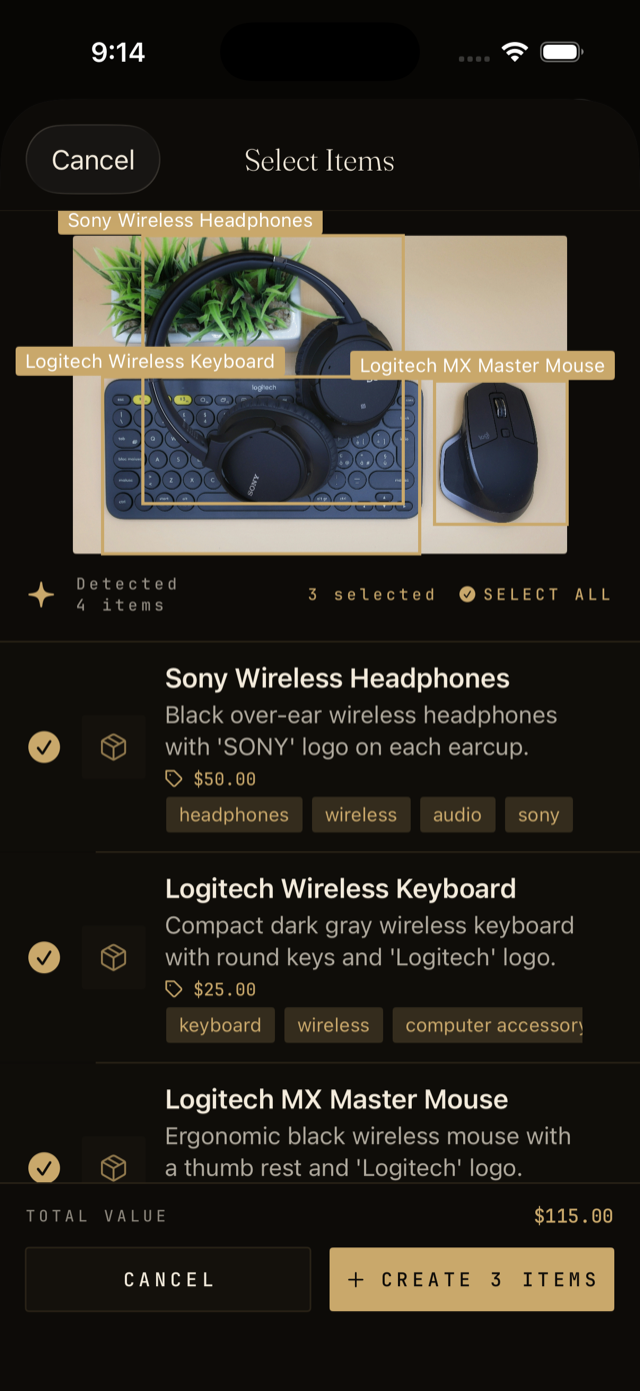
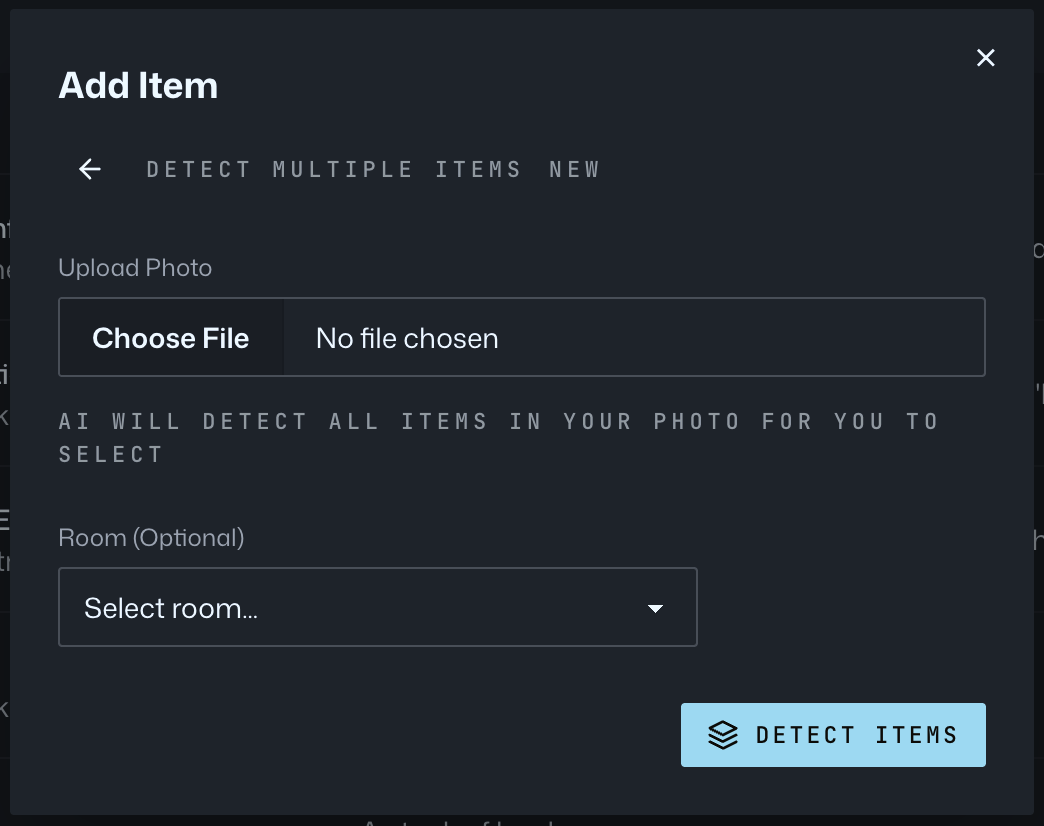
Vorby uses Google Gemini to look at a photo and extract details: the name, brand and model when visible, color, category, and a short description. You can use this on a single item or on a shot with many items in it.
Single item detection
- Tap the plus button and choose Take photo.
- Frame one item clearly in the picture.
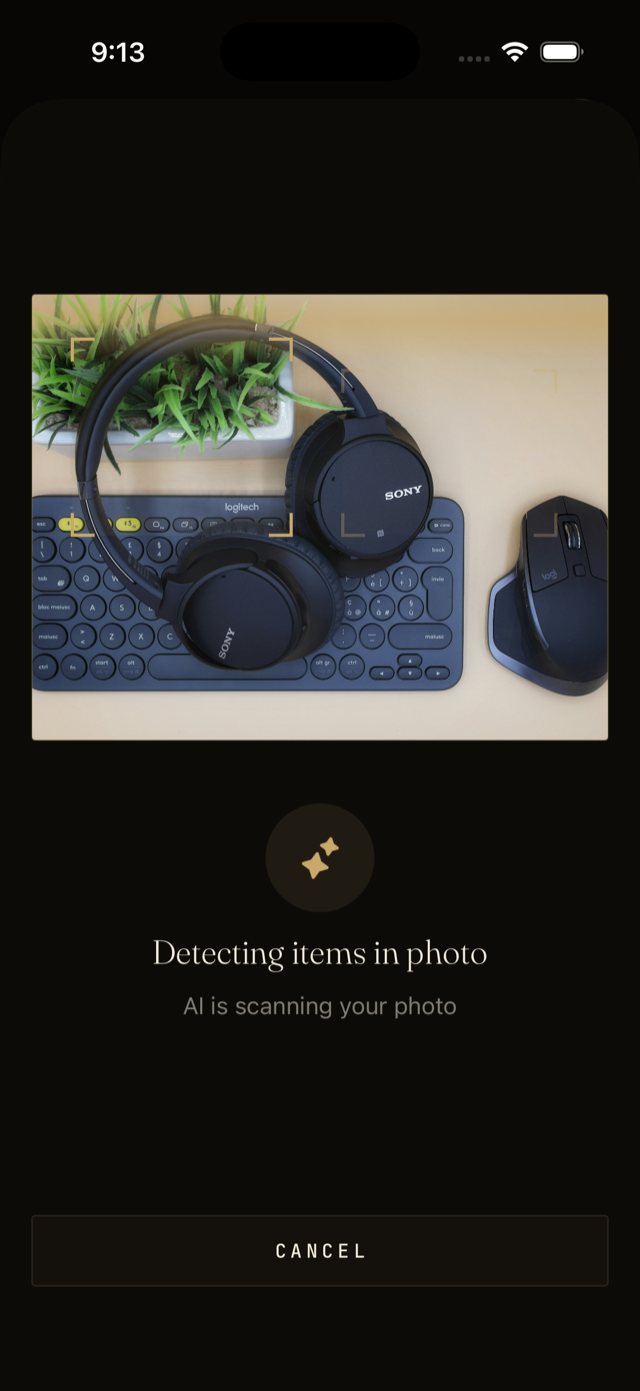
- Wait a moment while Vorby analyzes the image. You will see suggested fields appear.
- Edit anything that does not match, then save.
Multi-item detection
When you photograph a drawer, shelf, or pile, Vorby can detect each item separately and create one entry per item. This is the fastest way to inventory a whole room.
- Choose Multi-item detection from the add menu.
- Take a wide photo of the area you want to capture.
- Vorby returns a list of detected items with thumbnails cropped from your photo.
- Untick anything you do not want to add. Edit names if needed.
- Pick a room or location for the whole batch, then save them all at once.