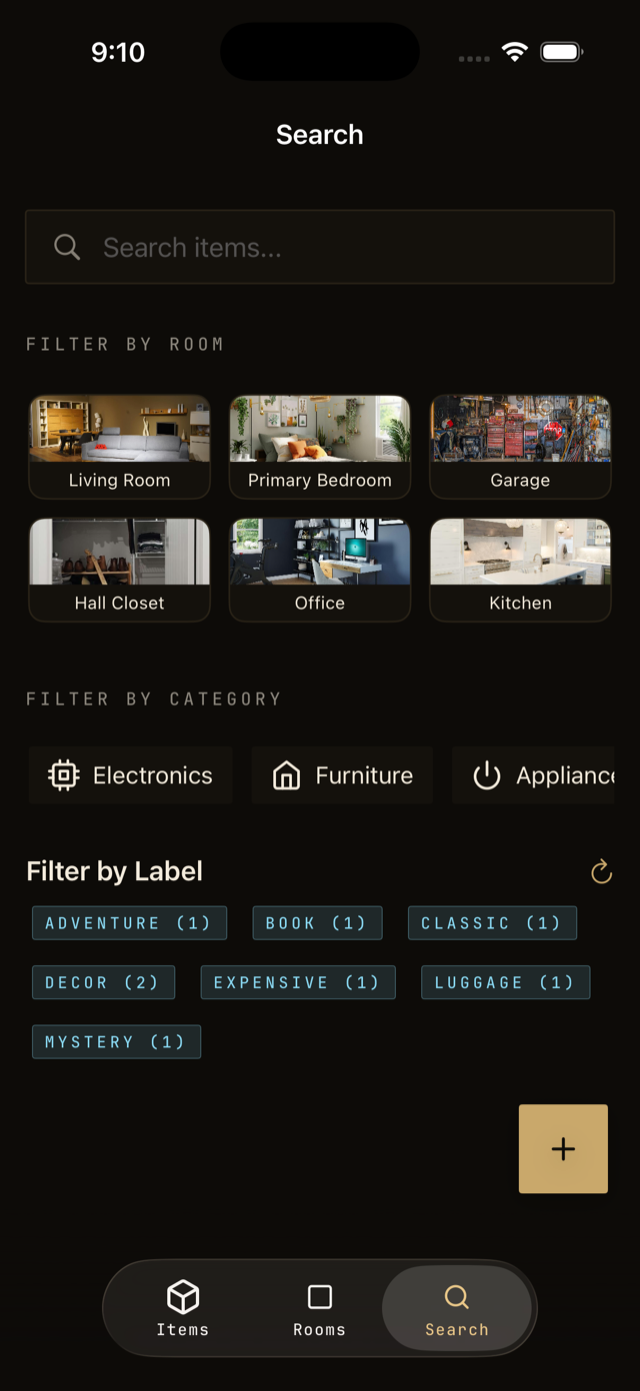
The search bar at the top of the app looks across every item, room, location, and label at once. It matches names, descriptions, brands, and notes.
Run a search
- Tap the search bar from any screen.
- Type a few letters. Results update as you type.
- Tap a result to jump straight to it.
Tips for finding things
- Forgot the brand? Search by what it does, like drill or blender.
- Search a color or material to narrow down a pile of similar items.
- Use a label name to pull up everything tagged that way, like camping or holiday.
Search without opening the app
On iPhone there are two faster routes. Swipe down on the Home Screen and type an item name, and your Vorby items come up in iPhone search with their photo and room. Or ask out loud: “Hey Siri, where is my passport in Vorby?” and Siri answers without opening anything.