Every field on an item is editable. Whether you are fixing an AI guess, adding the model number you finally looked up, or changing where it lives, the flow is the same.
Edit a single field
- Open the item from any list or search result.
- Tap the field you want to change. You can also tap Edit at the top to edit several fields at once.
- Make your change and tap Save.
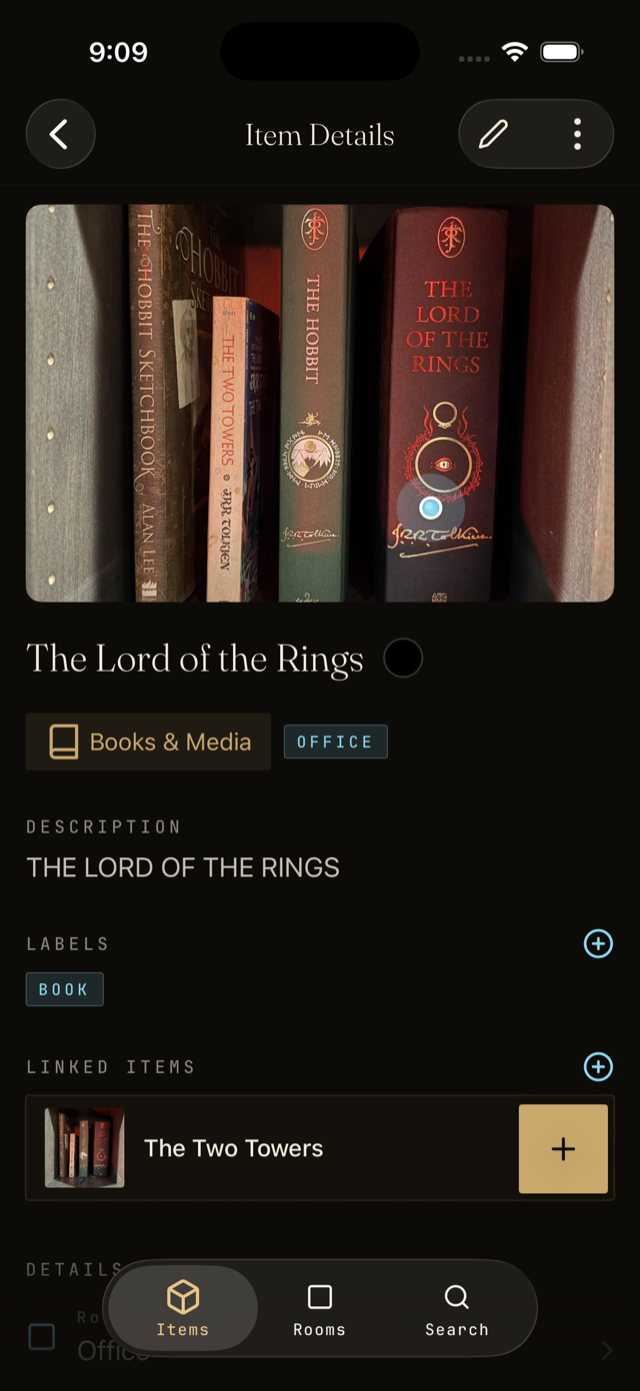
Replace or add photos
Tap the main photo to replace it, or tap the plus icon in the photo strip to add more angles. The first photo is always the one shown in lists.
Delete an item
If you got rid of something, open the item, tap the menu, and choose Delete. Deletes are permanent, so consider archiving instead if you might want it back.