Labels are flexible tags you can apply to any item. An item can have several labels, and labels work across rooms, so they are perfect for status (Lent out, Needs repair) or themes (Camping gear, Holiday decor).
Create a label
- Open the Labels tab.
- Tap Add label, type a name, and save.
Apply a label to an item
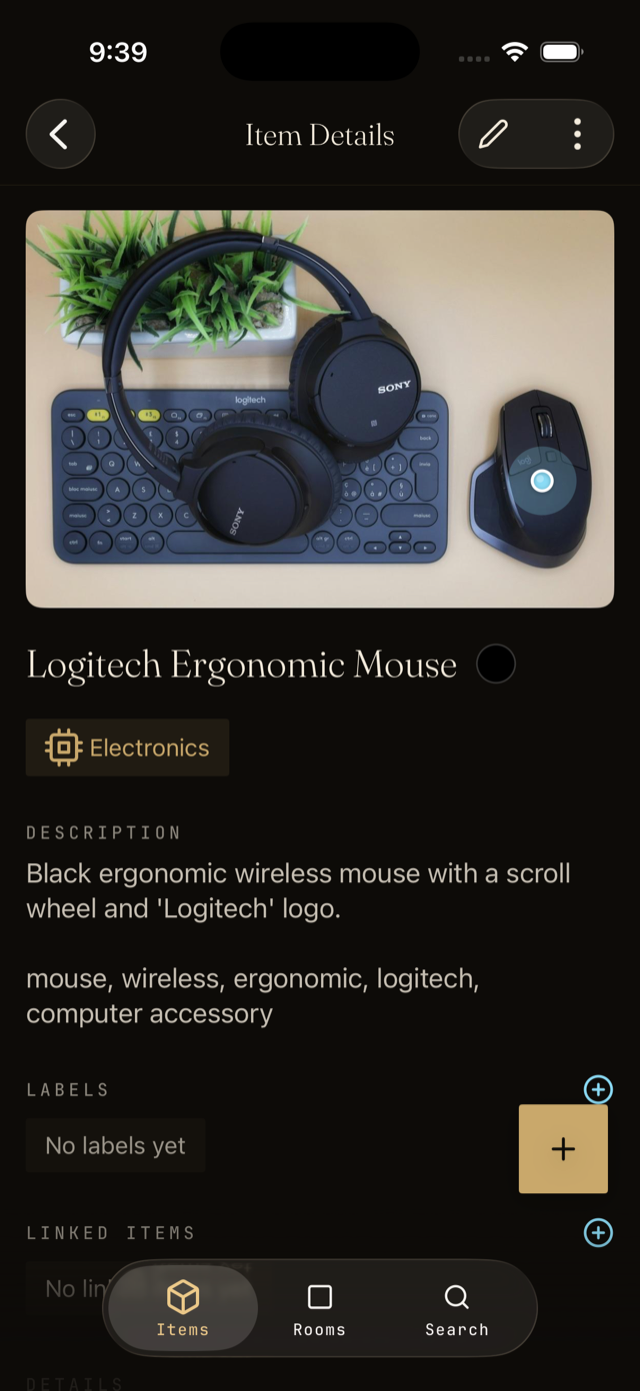
- Open the item.
- Tap the labels field and pick from your existing labels, or type a new one to create it on the fly.
- Save. The label now shows on the item and the item shows up under that label.
Use labels to take action
Open a label to see every item tagged with it. From its menu you can create a share link, QR code, or NFC tag for the label itself. Any of them opens the full list of items carrying that label, wherever they live in the house, so one sticker on a Camping bin pulls up all your camping gear at once.