When you open Vorby you land on the items view. The navigation tabs along the top let you jump between items, rooms, and labels. The search bar is always at the top, and the plus button at the bottom is how you add anything new.
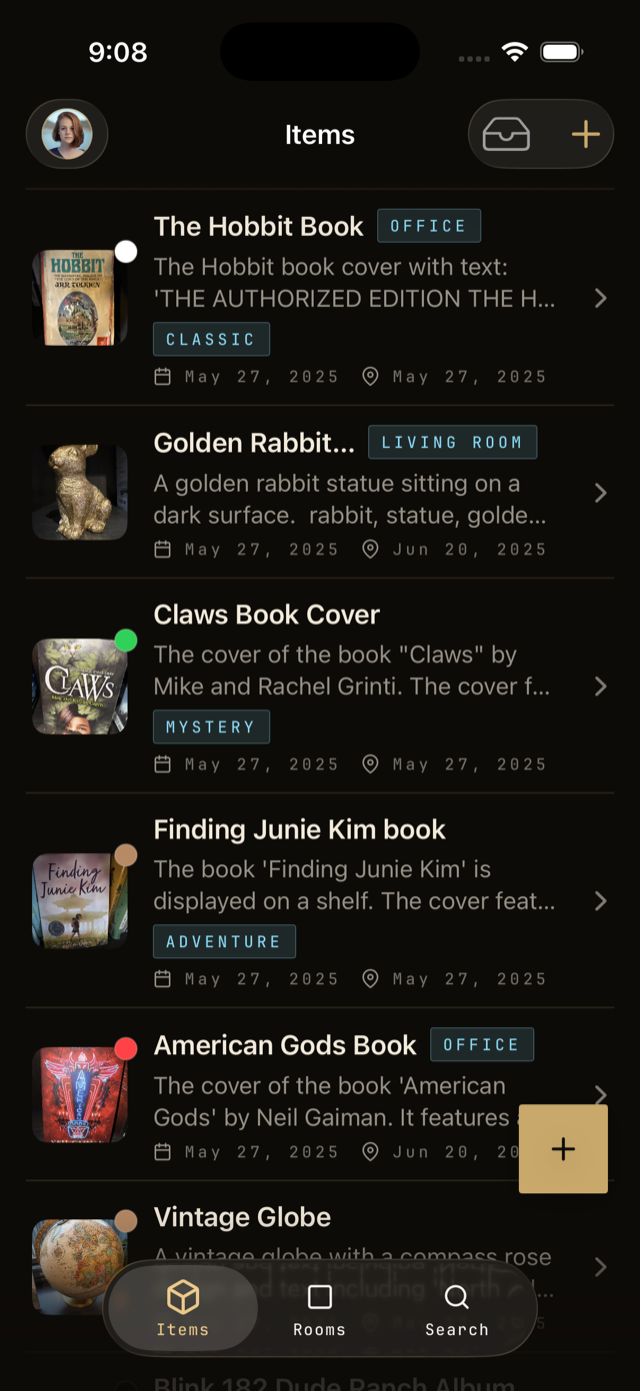
What each tab is for
- Items: every individual thing you have catalogued, newest first.
- Rooms: the layout of your home. Tap a room to see the items inside.
- Labels: tags you have created, like Donate or Needs repair, useful for grouping items across rooms.
The plus menu
Tap the plus button to add an item, room, location, or label. The same menu has shortcuts for taking a photo, uploading from your library, or running multi-item detection.