Your inventory is yours. Any time you like, you can download every item in a home as a spreadsheet: a CSV file or an Excel (XLSX) workbook. It is handy for keeping an offline backup, handing a list to an insurance adjuster, or working with your items in Excel, Numbers, or Google Sheets.
Download an export

- Open the House page from the sidebar.
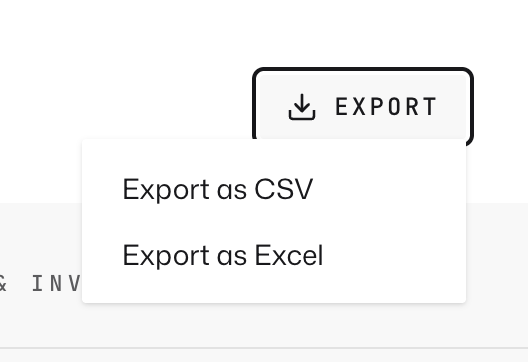
- Click the Export button in the header.
- Choose Export as CSV or Export as Excel (XLSX).
- Your browser downloads the file right away, named like vorby_your-home_items_2026-07-03.csv.
CSV or Excel: which to pick
- CSV works everywhere and can be re-imported into Vorby through bulk import. Pick this for backups and moving data around.
- Excel (XLSX) opens as a formatted workbook with a bold header row, ready to read and print. Pick this when a person, not a program, will read it.
What is in the file
Each row is one item, with a column for every detail Vorby tracks: name, description, room, location, category, quantity, labels, price, estimated value, color, purchase date, where you bought it, warranty date, and the dates it was added and last changed. Labels are combined into one cell separated by a vertical bar.